Enterprise WordPress to Webflow migration for large and complex websites
Enterprise WordPress to Webflow migration for large and complex websites becomes necessary when sites are difficult to scale, maintain, and optimize. We help enterprise teams migrate to Webflow safely while preserving SEO, improving performance, and restructuring content for long-term growth.
This page is for:

Enterprise teams managing large WordPress websites
Large CMS structures, multiple integrations, and complex content require structured migration.

SaaS companies scaling into enterprise
Growing SaaS companies need scalable CMS architecture and performance improvements.
Why enterprise WordPress websites become difficult to manage
Enterprise websites typically face:
Complex CMS structures
Plugin dependency
Slow performance
Difficult updates
What delivers the best enterprise migration outcomes
High-impact improvements:
Which enterprise migration improvements deliver best results
How we structure enterprise migrations for AI visibility
Clarify enterprise content structure
We define page hierarchy and CMS relationships.
Consolidate content
We merge overlapping content.
Connect related content
We improve internal linking.
Format pages for extraction
We structure pages for AI visibility.
Align content with conversions
We optimize key pages.
Where enterprise migration makes the biggest difference
Large content libraries
Migration improves structure.
Complex CMS architecture
Migration simplifies content.
SEO-dependent websites
Migration protects rankings.
Multi-team content workflows
Migration improves scalability.
OUR PROCESS
Case studies
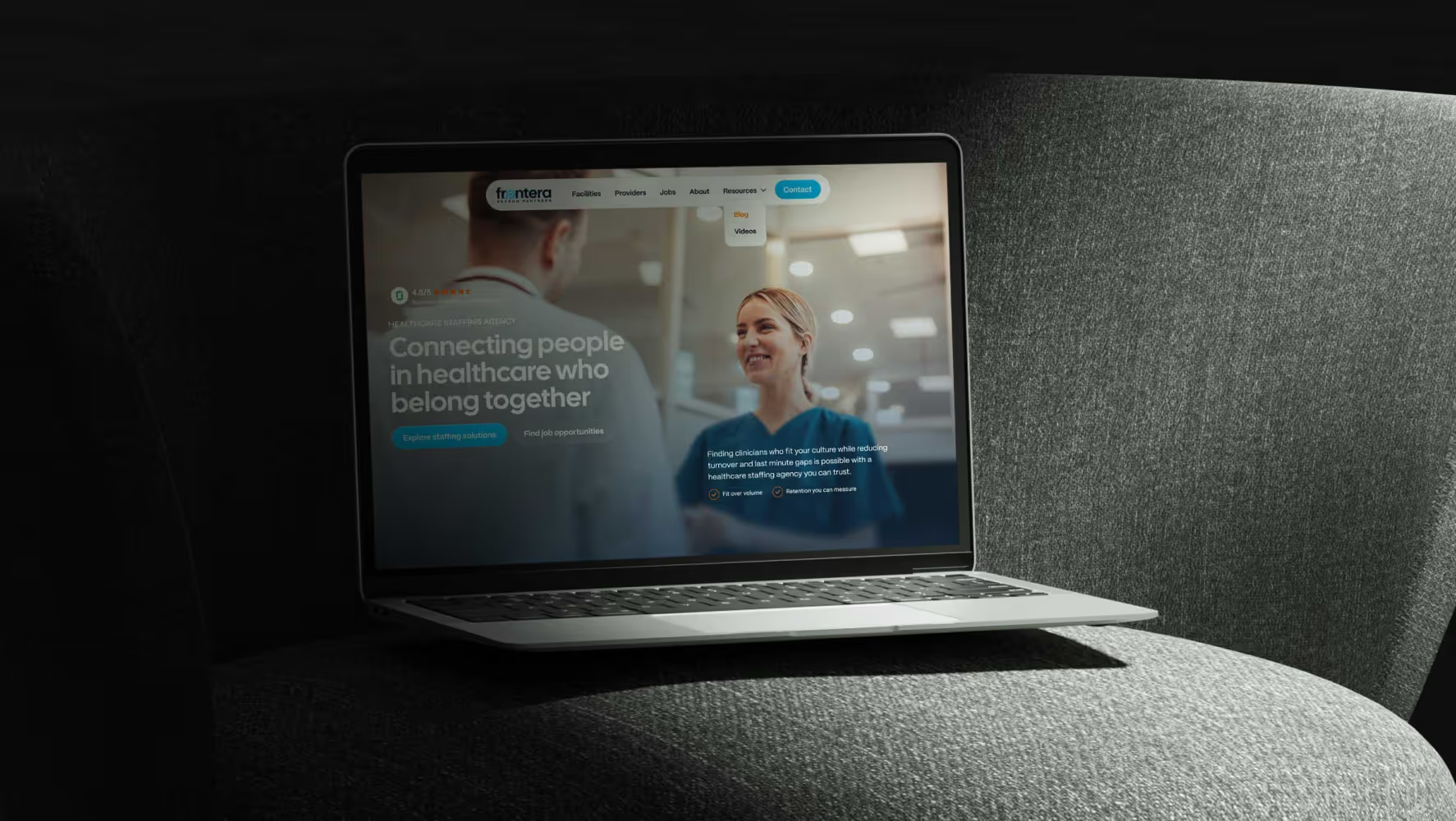
Frontera
Discover how Broworks migrated a healthcare website from WordPress to Webflow, delivering a modern UI/UX and improved performance.
Visa Franchise
See how Broworks delivered a B2B enterprise website redesign using Webflow, UI/UX design, and a WordPress migration to support scale, performance, and growth.
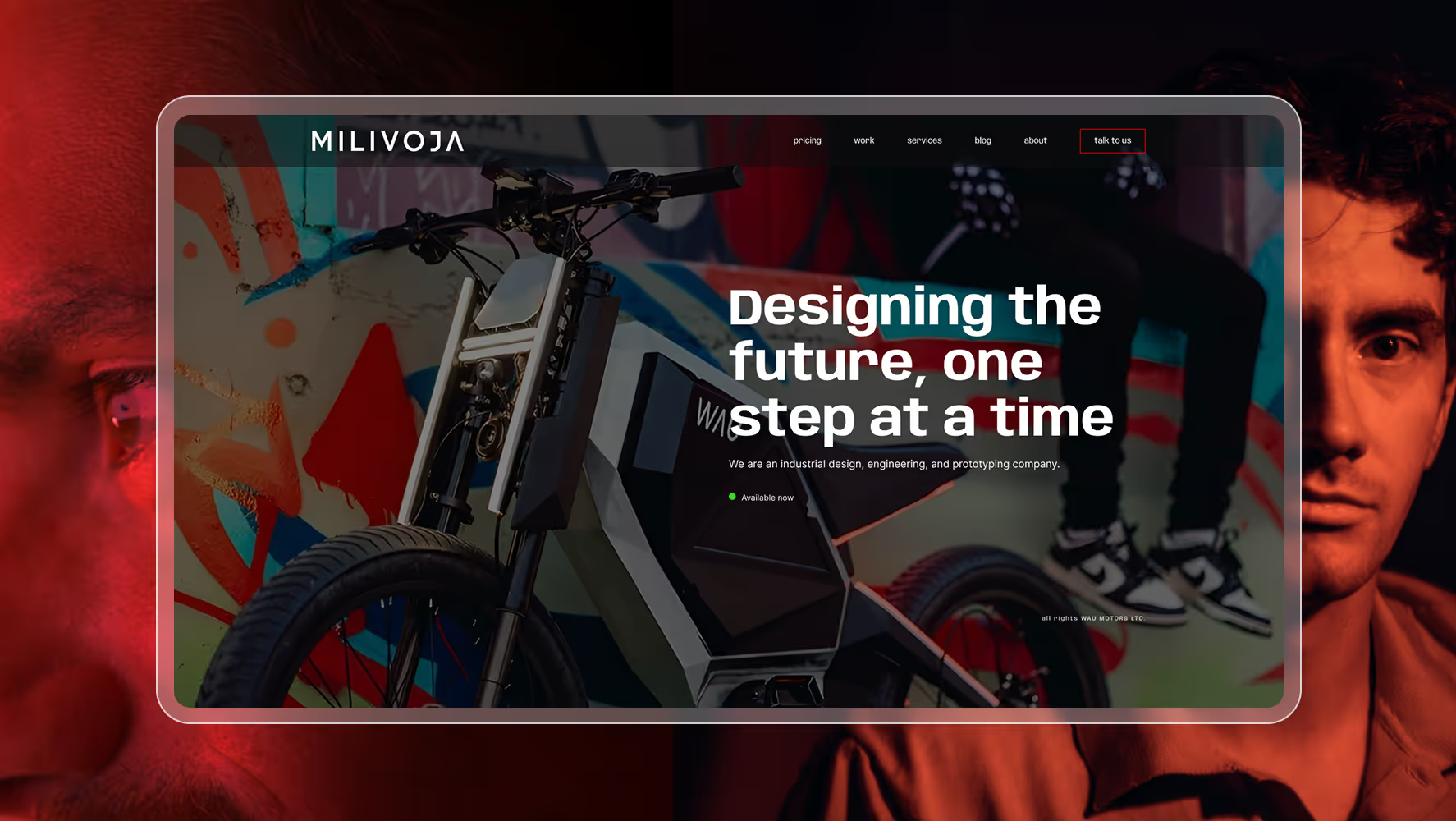
Milivoja
Milivoja WordPress to Webflow migration focused on performance, stability, and long-term maintainability without visual changes.

Mint
MINT fintech Webflow website redesign focused on trust, conversion, performance, and scalable growth workflows.
Plan your WordPress to Webflow migration
FAQs for enterprise WordPress to Webflow migration
Enterprise WordPress to Webflow migration, what makes it different from standard migrations?
Enterprise WordPress to Webflow migrations are more complex because they typically involve large CMS structures, multiple integrations, and cross-team workflows. Enterprise websites often include hundreds or thousands of pages, dynamic content collections, and legacy SEO dependencies. These factors require structured migration planning, redirect mapping, and staged validation. A structured enterprise migration reduces risk, preserves SEO performance, and ensures the new Webflow architecture scales with future growth.
How do you migrate a large WordPress website to Webflow without losing SEO?
Migrating a large WordPress website to Webflow without losing SEO requires careful planning and execution. This includes mapping all existing URLs, implementing 301 redirects, preserving metadata, maintaining internal linking, and validating content parity. Enterprise migrations also require monitoring rankings and indexing after launch. When executed properly, enterprise migrations often improve SEO due to better performance, structured content, and cleaner site architecture.
Enterprise WordPress to Webflow migration timeline, how long does it take?
Enterprise WordPress to Webflow migrations typically take between 4–8 weeks depending on content volume and complexity. Large CMS structures, integrations, multilingual content, and redesign requirements may extend timelines. A structured migration approach with defined phases helps reduce delays and ensures a predictable launch schedule.
When should enterprise companies migrate from WordPress to Webflow?
Enterprise companies typically migrate when WordPress becomes difficult to maintain, performance declines, or scaling content becomes slow. Common signals include plugin dependency, inconsistent performance, complex CMS workflows, and slow updates. Migration is often most effective during redesign, rebranding, or growth initiatives where structure and scalability become priorities.
How Broworks handles large-scale WordPress to Webflow migrations?
Broworks follows a structured enterprise migration process including audit, CMS restructuring, development, QA, and post-launch monitoring. This approach ensures SEO preservation, performance improvements, and scalable CMS architecture. Instead of simply rebuilding pages, Broworks focuses on restructuring content and improving conversion paths for long-term growth.
Enterprise WordPress to Webflow migration risks, what should you consider?
Enterprise migrations carry risks such as SEO traffic loss, broken redirects, CMS inconsistencies, and performance issues. These risks can be reduced through structured migration planning, redirect mapping, and thorough QA testing. A structured enterprise migration reduces downtime and ensures a smooth transition to Webflow.