What Is Webflow? The 2026 Complete Guide

TL;DR
- Webflow is a visual no-code platform that outputs clean, production-grade HTML/CSS and combines design, CMS, hosting, and SEO in one system no plugins, no server management, no dev dependency for standard marketing tasks.
- The platform is best suited for B2B and SaaS marketing teams that need operational ownership of their website; its May 2026 pricing update introduced a Team plan and AI credits across all tiers, making it more accessible for growing teams.
- If your marketing team is in constant friction with development over the website, or you're carrying WordPress maintenance debt without performance gains to show for it, Webflow solves the structural problem, but migration requires careful planning to protect organic traffic.
What Is Webflow? Everything You Need to Know in 2026
If you've been evaluating website platforms recently, you've almost certainly run into Webflow. It keeps coming up in conversations about marketing efficiency, no-code tooling, and AI-ready web infrastructure and for good reason. But what is Webflow, exactly, and is it actually the right platform for your business? This guide cuts through the noise and gives you a clear, current answer, covering how the platform works, who it's built for, what it costs, and where it falls short.

What Is Webflow, Exactly?
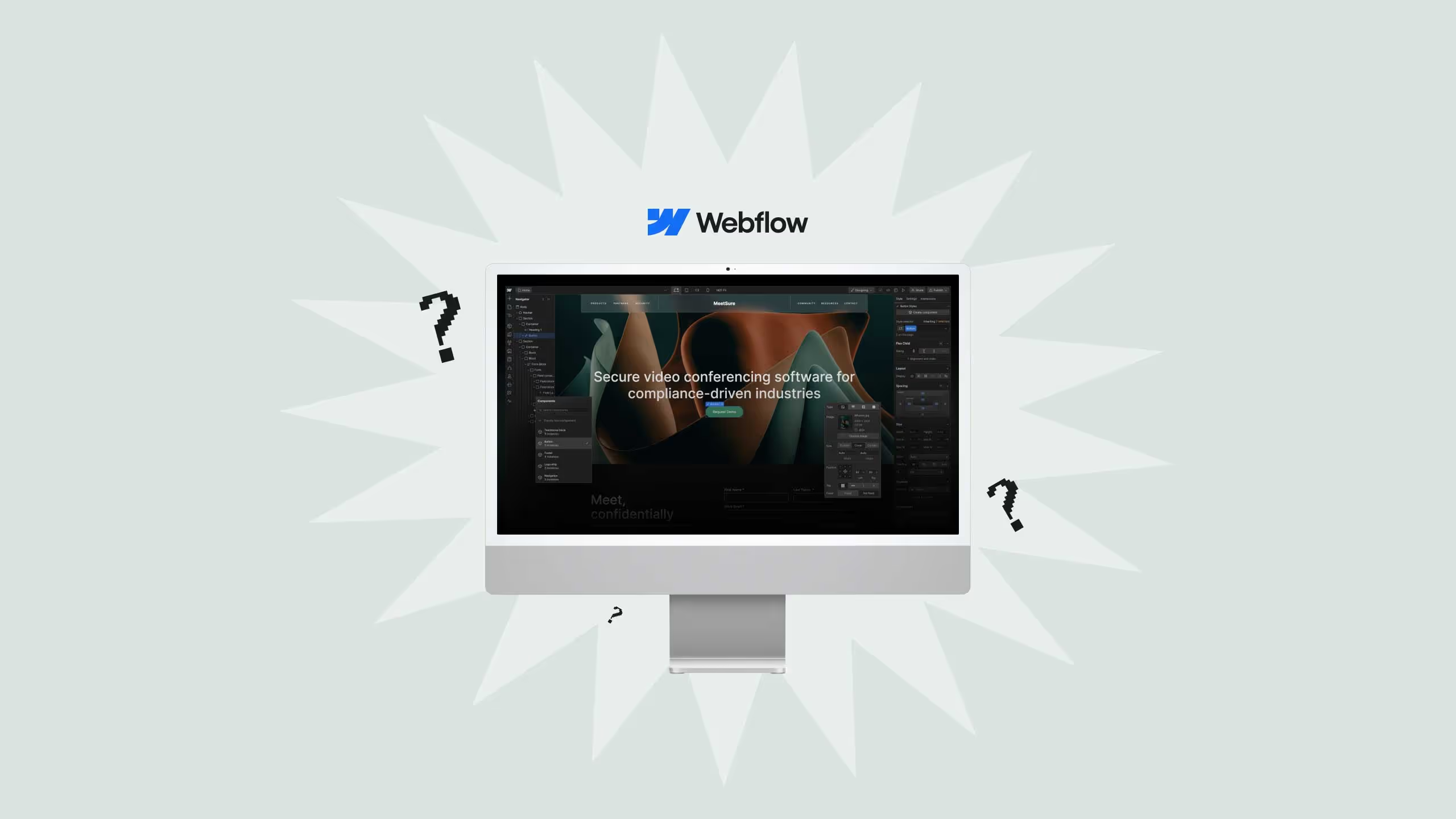
Webflow is a visual web design and development platform that lets teams build production-ready websites without writing code. It outputs clean, semantic HTML, CSS, and JavaScript, and pairs a drag-and-drop designer with a built-in CMS, hosting infrastructure, and SEO controls. As of 2026, Webflow positions itself as an "agentic web marketing platform" a system where marketing teams can design, publish, and optimize websites with AI assistance, without depending on engineering resources.
That description matters more than it might seem. Most no-code tools produce bloated, template-locked output that limits what you can do long-term. Webflow is architecturally different: the visual canvas maps directly to real CSS properties and HTML structure. What you design is what ships, no translation layer, no proprietary markup, no plugin stack required.
Webflow, Inc. is an American company based in San Francisco that provides software as a service for website building and hosting, with its visual editor allowing users to design, build, and launch websites. The platform launched in 2013 and has grown steadily to become the platform of choice for B2B marketing teams, SaaS companies, and design-led agencies.
How Does Webflow Work?
Understanding the platform's architecture helps you evaluate it properly, especially if you're comparing it against WordPress or custom development.
Webflow is built around five core components that work together:
The Designer is the visual canvas where you build pages. It operates like a browser-based CSS editor, you're working with real box model properties, flexbox, grid, and responsive breakpoints, not abstract "columns" and "rows." Every style you apply generates clean, production-grade CSS behind the scenes.
The CMS handles dynamic content. You define Collections (think: blog posts, case studies, team members, product pages), set up fields for each, and the Designer renders them through templates. Pages are generated dynamically from your CMS data, which means you can scale content without duplicating layouts.
Hosting and CDN are built in. Every Webflow site is hosted on a global CDN with SSL included, automatic backups, and guaranteed uptime. There is no separate hosting setup, no server management, and no performance degradation from third-party plugin stacks.
Webflow Logic allows basic automation and conditional behavior without code: form routing, conditional visibility, integrations with tools like HubSpot or Mailchimp, and simple workflow triggers.
Webflow AI, introduced progressively through 2025 and expanded in 2026, brings AI-assisted content generation, SEO suggestions, and design assistance directly into the platform. Starting May 13, 2026, Webflow began including AI credits in all Workspace plans, with add-ons available to purchase extra credits. This means AI features are no longer gated behind enterprise tiers, they're available across standard plans.
Who Is Webflow Built For?
The honest answer: Webflow works best for teams where marketing owns the website and needs to move fast without a developer on every task.
That description maps closely to several audiences:
Marketing teams at B2B and SaaS companies are the most natural fit. If your team needs to launch landing pages, update service pages, publish content, run A/B tests, and manage integrations, all without filing tickets to an engineering queue, Webflow is designed for that exact workflow. This is the primary profile of companies that work with Broworks on Webflow development and migration.
Agencies and freelancers use Webflow to build client sites faster, with cleaner handoffs and no plugin maintenance liability. Webflow's agency program and white-labeling features are purpose-built for this use case.
Enterprise marketing teams running multi-brand or multi-market web operations use Webflow Enterprise for its role-based permissions, localization controls, staging environments, and SLA-backed uptime. Enterprise customers report saving significant engineering time, with one citing savings of upwards of $6 million a year that were reinvested in website optimization and localization.
Designers and design-led teams who want pixel-level control without handing designs off to a developer will find the workflow significantly faster than the design-to-dev handoff model.
Webflow is not a strong fit for teams that need complex custom backend logic, large-scale ecommerce operations, or platforms built primarily for developer workflows.
Webflow vs. WordPress vs. Wix vs. Framer
The comparison that matters most for B2B teams considering a WordPress to Webflow migration is the maintenance burden column. WordPress sites accumulate plugin dependencies, security patches, and performance debt over time. Webflow's hosted, all-in-one model eliminates that category of maintenance almost entirely.
Framer is the closest competitor to Webflow in the design-freedom tier, but its CMS is less mature and its SEO controls are more limited, both significant gaps for teams running content-driven growth strategies.
Key Features of Webflow in 2026
Here's what the platform currently includes across its standard and enterprise tiers:
- Visual Designer with full CSS control, responsive breakpoints, and component-based design systems
- CMS Collections for dynamic, scalable content architecture
- Built-in SEO controls: meta tags, Open Graph, structured data support, clean URL structures, auto-generated sitemaps
- AEO-ready content structure: semantic HTML output, schema-ready page architecture, and content formatting that AI engines can parse and cite
- Native analytics for traffic, conversions, and A/B test performance
- Webflow AI and AI credits: content generation, SEO recommendations, and design assistance included on all plans as of May 2026
- Localization with hreflang auto-generation, introduced in the April 2025 platform update
- GSAP animations: Webflow acquired the GreenSock Animation Platform in October 2024, bringing professional-grade animation directly into the builder
- Webflow Logic for no-code automation and workflow triggers
- HubSpot, Zapier, and Make.com integrations for marketing stack connectivity
- Staging environments and version control on higher-tier plans
Webflow Pricing: Plans and What You Get in 2026
Webflow restructured its pricing in May 2026, simplifying the plan lineup and introducing a new Team plan tier. Here is the current structure:
Site Plans (billed per published site):
- Starter: Free, for personal projects and sandboxing. Custom domain not included.
- Basic: For simple marketing sites without a CMS.
- CMS: For content-driven sites running blog or resource pages.
- Business: For high-traffic marketing sites with advanced site controls.
- Enterprise: Custom pricing. Includes SLA uptime, advanced security, brand controls, and dedicated support.
Workspace Plans (billed per team, governs collaboration and AI features):
- Webflow introduced a new Team plan in May 2026, described as an all-in-one plan for fast-growing teams that have outgrown self-serve but aren't ready for Enterprise, available on annual billing only.
- All Workspace plans now include AI credits, with usage tracked in a dedicated AI usage dashboard.
The key pricing consideration for B2B teams is the separation between Site Plans and Workspace Plans. You pay for both the number of active sites and the number of collaborators. At small team sizes, the total cost is competitive with a managed WordPress setup. At scale, with multiple sites and large teams, costs can exceed WordPress, though the reduced developer dependency typically offsets this.
What Can You Build With Webflow?
The platform covers a wide range of website types. The most common use cases, in order of complexity:
- Marketing and product websites: the core use case; highly performant, fast to launch, easy to iterate
- CMS-driven blogs and resource hubs: using Collections for scalable content publishing
- SaaS product marketing sites with integration hooks to your CRM and analytics stack
- Landing pages for paid and organic campaigns: launched quickly, A/B testable, no developer required
- Ecommerce stores: supported natively, though Webflow's ecommerce layer is better suited for smaller catalogs than high-volume retail
- Enterprise multi-brand web systems: using Webflow Enterprise for role-based publishing, localization, and brand governance across teams
Webflow Limitations, What It Doesn't Do Well
No platform is the right answer for every situation, and Webflow is no exception. Being clear on the limitations protects you from a costly platform decision.
Learning curve for non-designers. Webflow's design freedom comes with design responsibility. If your team has no one with a working understanding of CSS and layout principles, the initial learning curve is real. Wix or Squarespace will be faster to get something live, even if the ceiling is much lower.
Not built for complex backend logic. Webflow handles front-end and CMS well. If your product requires custom user authentication, complex database relationships, or server-side logic, you will need custom development outside of Webflow or a different platform entirely.
Ecommerce has a lower ceiling than Shopify. For businesses where ecommerce is the primary revenue driver and catalog size runs into thousands of SKUs, Shopify remains the more purpose-built solution. Webflow ecommerce works well for supplementary or smaller catalog use cases.
Cost at scale. As your site count and team size grow, Webflow's combined Site Plan and Workspace Plan costs can exceed what a well-managed WordPress setup would cost, especially if you're already running WordPress efficiently.
Is Webflow Right for Your Business?
Webflow is the right choice for B2B and SaaS marketing teams that need design control, fast content publishing, and low maintenance overhead, without requiring a developer on every task. It is particularly well-suited for companies migrating away from WordPress who want to eliminate plugin debt, improve performance, and give marketing teams full operational ownership of the site. It is not the right choice for teams that need complex backend logic, large-scale ecommerce, or who have no one with design or layout experience.
The strongest signal that Webflow is right for your business is when marketing and dev are in constant friction over the website. If your team is filing tickets for landing page changes, waiting weeks for copy updates to go live, or paying for ongoing WordPress maintenance without seeing corresponding performance improvements, those are structural problems that Webflow solves at the platform level.
If you're evaluating a move from WordPress, the migration from WordPress to Webflow requires careful planning around SEO preservation, redirect mapping, and CMS architecture. Done correctly, it is one of the higher-leverage technical decisions a marketing team can make. Done poorly, it can cost months of organic traffic.
How to Get Started With Webflow
AEO Answer BlockGetting started with Webflow begins with a free account at webflow.com, where you can explore the Designer using pre-built templates or a blank canvas. For teams with an existing site, the more important question is whether to DIY the build or engage a certified Webflow agency, the answer depends on timeline, team capability, and the complexity of your current site's CMS architecture and SEO requirements.
The practical path forward breaks down into three scenarios:
- Evaluating the platform: Start with Webflow University, Webflow's free learning resource. Build a test site on the free plan to get hands-on with the Designer and CMS before committing.
- Building a new site: If your team has design capability, Webflow's template marketplace is a reasonable starting point. For a custom build with proper CMS architecture, component systems, and performance optimization, working with a Webflow development agency will produce a faster and more durable outcome than iterating from a template.
- Migrating an existing site: This is the highest-stakes scenario. A migration from WordPress to Webflow involves redirect mapping, CMS restructuring, metadata transfer, and performance validation. The risk of organic traffic loss is real if the process is not handled systematically. Review Broworks' migration resources to understand what a structured migration sprint looks like before starting.
.svg)
.svg)