
Webflow Localization: Technical Guide for Developers

TL;DR
Webflow Localization gives developers a native, architecture-level solution for multilingual site delivery. Subdirectory URL routing inherits root domain authority and is the correct default for most SaaS and B2B teams. Hreflang must be configured as a complete cluster across all published locales or it fails entirely. CMS localization works through field-level inheritance from the primary locale, and bulk content management requires careful item ID mapping to avoid duplicate CMS records. Translation workflows scale from native machine translation to TMS integration depending on volume and quality requirements. Ongoing maintenance requires treating the primary locale as the structural source of truth, using draft status per locale during translation, and auditing hreflang and sitemap integrity on every publish.
Building a multilingual site on Webflow is no longer a niche requirement. If your SaaS product or B2B service reaches audiences across more than one country, webflow localization is one of the highest-leverage investments you can make in your site architecture. When set up correctly, it compounds across SEO, conversion rate, and brand trust. When set up poorly, it creates duplicate content issues, broken hreflang clusters, and a CMS maintenance burden that slows every sprint.
This guide is written for developers, technical marketers, and SaaS teams who need to understand the implementation layer, not just the concept. We cover URL structures, hreflang configuration, CMS duplication logic, translation workflows, and the performance tradeoffs that come with each decision.
What Webflow Localization Actually Is
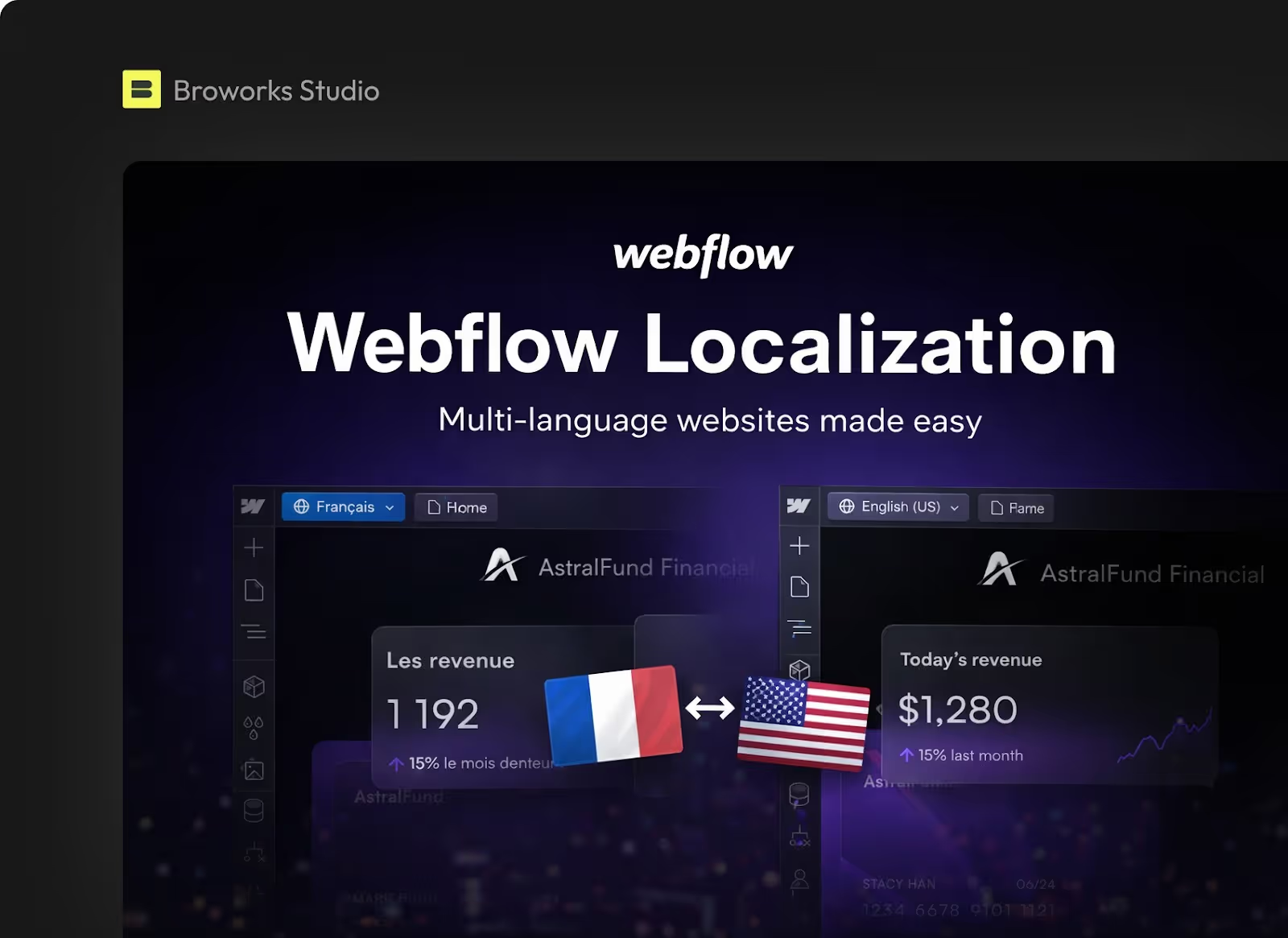
Webflow introduced native localization at Webflow Conf in October 2023. Before that, the standard approach was either page duplication per language or a third-party overlay like Weglot. The native solution changes the architecture fundamentally.
At its core, Webflow Localization works through a layered locale system. You designate one locale as primary, and every secondary locale inherits from it by default. Overrides are applied at the field level, meaning you can localize specific CMS fields, static page content, images, alt text, and metadata without rebuilding the page structure. A full overview of all features is available in the Webflow official localization documentation.
What is Webflow Localization? Webflow Localization is a native platform feature that lets teams build, manage, and publish multilingual versions of a Webflow site from a single project. It handles URL routing, hreflang tag generation, CMS field-level overrides, and locale-specific SEO metadata, all within the Webflow Designer. Secondary locales inherit content from the primary locale and can be customized at the field or element level.
The feature is available across all site plans as a preview, but publishing to a secondary locale requires purchasing a Localization add-on. Plans tier as Essential, Advanced, and Enterprise, with differences in the number of supported locales, asset localization, and automatic domain-level routing.
For teams running enterprise Webflow builds or SaaS marketing sites, the native approach gives you technical control that overlay tools cannot match. You get clean URL structures, full SEO metadata per locale, and no JavaScript-injection approach that adds render-blocking overhead.
URL Architecture: Subdirectories, Subdomains, and ccTLDs
URL structure is the first architectural decision in any webflow localization project, and it has downstream consequences for SEO authority, hosting cost, and maintenance complexity.
The Three Models
Webflow natively supports subdirectory-based routing. Subdomain and ccTLD setups are possible but require external DNS configuration or separate Webflow projects respectively.
Why Subdirectories Win for Most Teams
The subdirectory approach keeps all localized content under a single root domain. Every backlink, every authority signal, and every Core Web Vitals score your primary domain has earned carries across to localized versions. Google treats example.com/fr/ as part of example.com, so your German and French pages benefit from the same domain reputation you have built over time.
Webflow handles subdirectory routing natively through Settings > Localization. The locale slug (e.g., /fr/, /de/, /es/) is set per locale and automatically prefixes all URLs for that language. One important constraint: you cannot use the same URL slug for a CMS collection, folder, or static page as a locale subdirectory. If there is a conflict, the locale takes priority and the conflicting page returns a 404.
How does Webflow handle URL routing for localized pages? Webflow uses subdirectory-based locale routing by default. Each secondary locale receives a configurable slug that prefixes all page URLs for that locale. The routing is handled at the platform level, and hreflang tags are generated automatically based on published locale subdirectories. Subdomains require external redirect configuration and are not managed natively within Webflow.
For redirects, Webflow's 301 redirect rules are relative to the root domain and do not automatically apply to locale subdirectories. If you migrate from /old-url to /new-url, you also need a separate rule for /fr/old-url redirecting to /fr/new-url. Teams simultaneously migrating from WordPress to Webflow while adding localization can find a detailed framework for redirect matrix planning in the WordPress to Webflow migration guide.
Hreflang Configuration in Webflow
Hreflang is the mechanism through which you tell search engines which page to serve to which audience. Incorrect hreflang is one of the most common technical SEO failures in multilingual projects, and it leads directly to content being indexed in the wrong region or not indexed at all.
How Webflow Generates Hreflang
When you use Webflow's auto-generated sitemap with automatic generation enabled, the platform inserts hreflang tags for every static and dynamic page on your site. It also injects page-level hreflang tags into the <head> of each page. These reference all published locale variants and include an x-default fallback pointing to the primary locale.
You have two output options:
- Page-level hreflang tags injected into the <head> of each page
- Sitemap-level hreflang entries in the auto-generated sitemap.xml
Webflow supports using both simultaneously. The only technical rule is that if you use both methods, the entries must be identical. Inconsistency between page-level and sitemap-level hreflang confuses crawlers and can suppress ranking across locales.
Custom Sitemaps and Manual Hreflang
If you use a custom sitemap, Webflow does not inject hreflang entries automatically. You need to either add hreflang tags manually via custom code in the page <head> or configure a third-party solution to manage the sitemap entries. Before launch, the GEO-SEO Checklist for Webflow Optimization covers hreflang cluster validation step by step as part of a technical SEO audit.
A valid hreflang implementation requires a complete cluster: every localized variant of a page must reference every other variant, including itself, and must include the x-default tag. If any member of the cluster is missing, the signal fails for the entire group.
What is the correct way to implement hreflang in Webflow? In Webflow, hreflang can be implemented through the auto-generated sitemap or as page-level link tags in the <head> section. Both methods are supported simultaneously, but entries must be identical across both. Each page cluster requires a complete set of alternate tags covering all published locales plus an x-default pointing to the primary locale. Only locale subdirectories with publishing enabled appear in the auto-generated sitemap.
CMS Duplication Logic and Field-Level Localization
CMS architecture is where webflow localization gets technically complex for teams running content-heavy sites. Understanding how Webflow handles content inheritance prevents the most common build mistakes.
The Inheritance Model
Webflow's CMS localization operates on an inheritance model. The primary locale holds the source content. Secondary locales inherit all fields by default and override only the fields you explicitly localize. A French version of a blog post inherits the slug, images, and metadata from the English primary unless you override each field individually.
The practical consequence for developers is that you must decide upfront which fields are locale-specific and which are shared across all locales. Fields like pricing, product SKUs, or category references often stay shared. Fields like body copy, page title, meta description, alt text, and localized slugs need per-locale overrides.
Localized Slugs
Localizing slugs is optional but recommended for top-priority pages. A French page about web design services ranking for French-language queries performs better with /fr/conception-web/ than with /fr/web-design/. Webflow allows slug overrides per locale in the CMS item settings.
Importing and Managing CMS Content at Scale
For large CMS migrations or bulk localization, Webflow supports CSV import and the Data API. The key technical requirement when importing secondary locale content is maintaining item ID mapping. Mapping each secondary locale content row to the corresponding primary locale item using the item ID ensures the content attaches as a locale variant rather than creating a duplicate CMS item. Teams planning this type of migration can use the Free WordPress to Webflow Migration Checklist as a starting framework for organizing import order and validation steps.
Teams running Webflow migrations should plan this import sequence:
- Export primary locale CMS data and confirm stable item IDs
- Prepare translated content in CSV format with item ID references
- Import secondary locale content using Webflow flexible import or Data API
- Validate localized slugs, meta titles, and meta descriptions post-import
- Confirm hreflang annotations cover every item in every published locale
- Run a sitemap validator to verify all locale URLs are present and correctly formed
Translation Workflows
Translation workflow is a product and process decision as much as a technical one. The tooling choice determines your publishing velocity, your quality control mechanisms, and how much of the localization maintenance burden falls on your dev team versus your content team.
Native Machine Translation
Webflow provides machine-powered translation directly in the Designer. You can trigger translation for an entire page or individual fields. This is the fastest path to a publishable first draft across all locales. For SaaS teams launching into new markets with limited translation budget, this gives you something to test against rather than shipping nothing.
Machine translation quality varies significantly by language pair and content type. Technical documentation and UI copy translate reasonably well. Marketing copy, legal text, and culturally specific value propositions require human review before publication.
Third-Party Translation Management Systems
For teams with ongoing translation needs at scale, integrating a translation management system like Crowdin provides a professional workflow layer. A TMS handles translator assignment, review cycles, version control, and glossary management. Crowdin's Webflow integration allows content to be pulled from the CMS, translated within the TMS environment, and pushed back to the correct locale fields.
This approach is most appropriate for:
- Sites with more than five locales
- Teams with in-house or agency translators who need a dedicated workspace
- Content that requires legal review or brand tone enforcement per market
- High-frequency publishing schedules where manual Designer updates become a bottleneck
Whichever workflow you choose, the content team needs a clear process for how updates to the primary locale propagate to secondary locales. Webflow does not automatically flag outdated secondary locale content when the primary locale changes. This is a manual coordination responsibility.
Performance Impact and Technical Considerations
Adding locales to a Webflow site does not inherently degrade performance, but there are specific areas where implementation choices have a measurable impact on loading speed and CWV scores.
Page Weight and Asset Localization
If you localize images per locale, you are serving different image files for different audiences. This is correct behavior for markets that require culturally relevant visuals, but it adds to the total number of assets Webflow must serve. Webflow hosts assets on a CDN, so geographic delivery is optimized, but large image payloads remain a risk regardless of CDN proximity. Applying standard image compression and sizing discipline per locale matters.
Locale Switcher JavaScript
The locale switcher element in Webflow is rendered as a native element rather than a JavaScript overlay, which keeps its performance footprint low. Nielsen Norman Group research on language switchers confirms that users expect a language selector to be visible and accessible without additional steps, making the native Webflow element the correct approach from both a UX and technical standpoint. Third-party overlay localization tools inject JavaScript that can add render-blocking weight and occasionally interfere with tracking scripts.
Analytics Segmentation
Configuring your analytics to segment by locale is a prerequisite for understanding localization performance. In GA4, locale subdirectories appear as separate URL groups by default, but you need to set up locale-specific filters or channel groupings to compare conversion rates, bounce rates, and engagement per market meaningfully. Without this segmentation, localization ROI becomes invisible in aggregate metrics.
Managing Updates Across Localized Versions
The operational challenge of webflow localization is not the initial setup but the ongoing maintenance. A site with four locales has, at minimum, four versions of every page that must stay coherent. Without a structured update process, localized pages drift from the primary locale over months, creating inconsistent user experiences and stale content that search engines may deprioritize.
Primary Locale as Single Source of Truth
The correct mental model is to treat the primary locale as the source of truth for structure, design, and content hierarchy. Secondary locales override only what is linguistically or culturally specific. When the primary locale gets a new section, a redesigned hero, or an updated pricing table, the secondary locales inherit the structural change automatically. The content team then handles the copy override for each affected locale.
Draft Status Per Locale
Webflow allows individual pages to be set to draft status within a specific locale. This means you can publish a structural update to the primary locale while keeping the secondary locale version in draft until translation is complete. Deploying structural changes without completed translations risks publishing mixed-language pages, which damages user experience and hreflang signal integrity.
QA Checklist for Localized Deployments
Before each localized publish, a minimum QA pass should cover:
- Hreflang cluster completeness validated via a tag validator tool
- Localized meta titles and descriptions present for all published pages
- Localized slugs confirmed and 301 redirects updated where slugs changed
- Sitemap re-submitted to Google Search Console after publish
- Analytics filters confirmed active for new or modified locale pages
- Language switcher tested across all locale combinations
Nielsen Norman Group research on international B2B sites confirms that users across different markets differ not only in language but in cultural expectations around content and tone. This is especially relevant for SaaS product interfaces where terminology consistency directly affects user comprehension and where every sprint requires a coordinated review of localized versions.
.svg)
.svg)


