AI Search Intent Identification Methods for Webflow

TL;DR
AI search intent identification methods are the research and testing process marketing teams use to figure out what Google's AI Overviews and AI Mode are actually trying to answer for a given query, then rebuild Webflow pages, service pages, comparisons, and FAQs, to match that intent directly.
How is search intent changing in Google AI overviews and AI mode?
Search behavior is shifting from short keyword lookups toward longer, task-oriented questions as Google’s AI-powered search experiences make conversational searching more practical and users increasingly adapt their querying habits. Google has reported that AI Mode queries are, on average, significantly longer than traditional searches, with users frequently asking follow-up questions as they refine their requests. Rather than returning results for a single keyword, AI Mode expands many searches into multiple related queries through what Google calls query fan-out, allowing it to gather information from different sources before generating a response.
This changes how search intent should be interpreted on a Webflow site. Instead of optimizing a single page for a single keyword, marketers increasingly need to optimize pages, or entire topic clusters, to answer a broader set of related questions that AI systems may explore during a search session. As AI Overviews continue rolling out across Google Search and reach billions of users worldwide, AI-assisted search is becoming part of the mainstream search experience rather than an early-adopter feature.
The impact is already visible in user behavior. Research from the Pew Research Center found that users are less likely to click traditional organic results when an AI Overview is displayed, as many informational questions are answered directly within the search experience. At the same time, third-party studies suggest that brands cited within AI-generated answers can benefit from stronger engagement than brands that rank below the summary but are not referenced. As AI-powered search evolves, visibility within the generated answer is becoming just as important as traditional ranking positions, particularly for informational and research-driven queries.
Why AI search intent identification methods matter for Webflow teams
Webflow gives marketing teams direct control over URL structure, semantic HTML, CMS Collections, internal linking, and structured data implementation without relying on lengthy development cycles. That flexibility makes it easier to refine existing content as search behavior evolves, whether by restructuring pages, improving content hierarchy, or expanding topic coverage to better answer the kinds of questions people ask in AI-powered search experiences.
Traditional keyword research explains what people search for. AI search intent identification methods go a step further by helping teams understand the underlying task behind a query, whether users are looking for a definition, a comparison, a process, supporting evidence, or validation before making a decision. Instead of optimizing a page around a single keyword, content can be organized to answer a broader set of related questions that AI systems may surface throughout a search session. Webflow’s CMS makes this approach scalable by allowing reusable page templates, consistent heading structures, structured data, and internal linking patterns to be applied across entire Collections rather than updated manually on every page.
Webflow migration projects also create an opportunity to improve content for AI-powered search. Legacy CMS platforms often accumulate outdated, thin, or heavily keyword-focused content that no longer aligns with how people search or how AI systems summarize information. Rather than simply migrating existing pages, organizations can use the transition to audit content quality, improve site architecture, resolve technical SEO issues such as broken redirects or crawl errors, and restructure pages around clear, question-first content. Starting with a technically sound, well-organized site makes ongoing optimization significantly easier than trying to modernize fragmented content over time.
How do you review AI overview results for your Webflow site?
You review AI Overview results by testing the queries that matter most to your audience, documenting how Google presents the answer, identifying which sources are referenced, and comparing those findings with your existing content. The goal is not to replicate the AI-generated response, but to understand what type of information Google is surfacing and where your pages may have content or structural gaps.
A practical workflow looks like this:
- Build a query list based on real customer language, not only keyword tools. Use insights from sales conversations, support requests, customer interviews, and website search data to identify the questions your audience actually asks. AI search intent identification methods work best when the starting queries reflect real user needs rather than only high-volume keywords.
- Test priority queries and document the results. Review the AI Overview response, the sources it references, and the format of the information presented. Does Google surface a definition, comparison, step-by-step explanation, list of options, or supporting evidence? These patterns can help determine how your content should be structured to provide clearer answers.
- Analyze the sources that appear in AI-generated responses. Look at whether Google references competitor pages, industry publications, community discussions, videos, research studies, or other content formats. This provides insight into what types of resources are currently considered useful for that topic and whether your existing Webflow pages are addressing the same user needs.
- Compare your content against the information being surfaced. If an important answer is difficult to find because it is buried beneath introductory copy or marketing messaging, improving the content hierarchy may help both users and search systems better understand the page. Often, the solution is not a complete rewrite but clearer organization, stronger supporting information, or better internal linking.
- Review results periodically. AI-generated search experiences continue to evolve as Google updates its systems and indexes new information. Regular reviews help identify changes in how topics are being presented and whether your content remains aligned with current search behavior.
How do you test AI mode-style queries before you publish?
You test AI Mode-style queries by evaluating how your content performs against the types of conversational searches users are increasingly making in AI-powered search experiences. Instead of testing only a single keyword, review longer, question-based queries and follow-up prompts to understand whether your page provides enough context to support a broader search journey.
Test the full question, not just the target keyword.
Ask the query the way a potential customer would naturally phrase it during research. A marketing leader comparing solutions, a buyer looking for implementation guidance, or a user evaluating options will typically ask more detailed questions than the simplified phrases found in traditional keyword tools.
Explore follow-up questions and related topics.
AI-powered search experiences often expand conversations beyond the initial query. Reviewing these follow-up questions can reveal additional information your page may need to address, such as comparisons, limitations, examples, implementation details, or supporting evidence.
Review which sources are referenced throughout the conversation.
Note whether your content, competitor pages, industry publications, community discussions, or other resources are appearing in responses. This can highlight content gaps and show where different formats or sources may be needed to support a topic.
Consider multimodal search where it applies.
For industries where visuals are important, such as design, software interfaces, products, or technical demonstrations, test how users might search with images or screenshots in addition to text. This helps ensure your content supports different ways people may interact with AI-powered search.
The goal is not to optimize a page for one specific AI response. Instead, treat each important page as a resource that should answer the broader set of questions users may ask before making a decision, whether those questions appear in traditional search, AI Overviews, or AI Mode conversations.
Which sources and answer formats does AI search prefer to cite?
AI-powered search experiences often surface content that is clear, well-structured, and supported by credible information. While Google has not published a specific formula explaining how AI Overviews select sources, industry research suggests that pages with strong topical relevance, clear explanations, structured information, and external recognition are more likely to be represented in AI-generated responses.
Research from Surfer SEO analyzing millions of AI Overview citations found that established information platforms and content ecosystems, including YouTube and Wikipedia, frequently appeared among referenced sources. Ahrefs research has also identified a strong relationship between external brand mentions and AI visibility, suggesting that recognition beyond a company’s own website can influence how prominently a brand appears in AI-generated answers. In addition, academic research from Princeton University and Georgia Tech explored how content characteristics such as citations, statistics, and direct quotations can affect visibility in generative AI responses.
These findings do not mean that a specific content format guarantees inclusion in AI answers. Instead, they highlight a broader pattern: content that provides clear explanations, supports claims with evidence, and presents information in a structured format is easier for both users and AI systems to interpret.
The practical takeaway for a Webflow content strategy is that AI visibility depends less on creating content specifically for AI systems and more on building pages that clearly answer user questions. Content with concise explanations, supporting evidence, relevant statistics, structured comparisons, and clear definitions is easier for both users and search systems to understand, evaluate, and summarize.
How do you map AI search intent to Webflow page types?
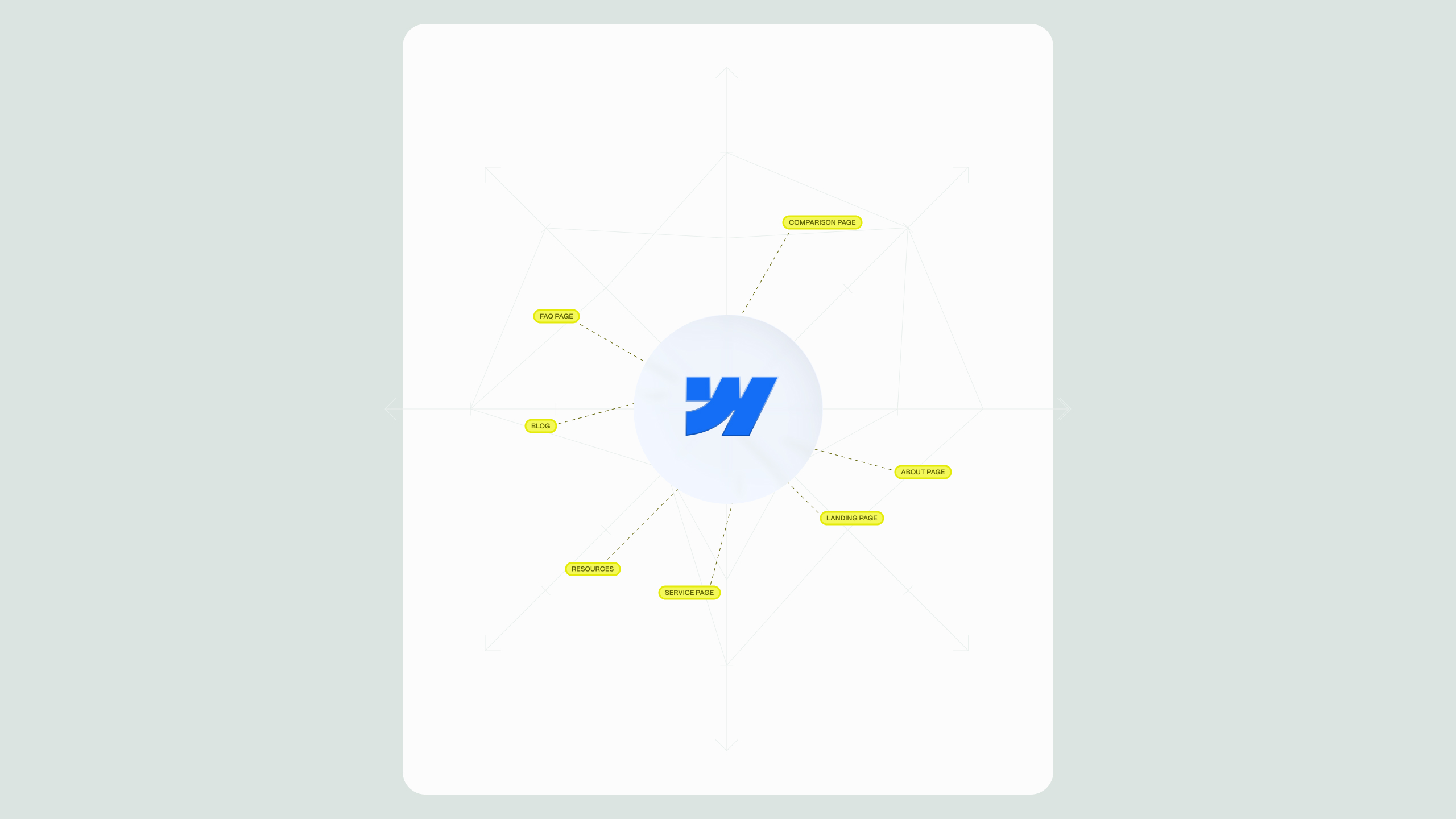
You map AI search intent to Webflow page types by matching the type of information users are looking for with the content format best suited to answer that need. A well-structured content ecosystem combines different page types, such as service pages, comparison resources, guides, and case studies, while using internal linking to create clear relationships between related topics.
- Definitional and “what is” queries → service pages and glossary-style CMS entries. These pages should provide a concise explanation early in the content, followed by additional context, examples, and supporting information. Answering the core question clearly helps both users and search systems understand the page’s purpose.
- Comparison queries (“X vs Y,” “best options for”) → dedicated comparison pages. When users are evaluating different solutions, a dedicated comparison resource is usually more useful than mentioning alternatives briefly inside a general article. These pages should provide clear differences, advantages, limitations, and decision-making criteria.
- Process and “how to” queries → step-by-step guides. Instructional searches benefit from clearly structured content with logical steps, explanations, examples, and supporting visuals where relevant. This format helps users follow the process and makes the information easier to interpret.
- Proof and validation queries (“does this work,” “results from”) → case studies and proof-focused pages. Users looking for validation typically want evidence, such as measurable outcomes, implementation details, timelines, and specific examples rather than broad claims or testimonials alone.
- Follow-up and edge-case queries → supporting FAQ sections. FAQs can help address related questions that may not fit naturally into the main content. They work best when they are placed within relevant pages rather than collected into a disconnected FAQ library with limited context.
Webflow’s CMS architecture supports this approach by allowing teams to create reusable templates for different content types, maintain consistent page structures, and apply structured data patterns across Collections when implemented correctly. This makes it easier to expand topical coverage while maintaining a consistent content framework across a growing website.
How should you structure Webflow content so AI engines can summarize it?
You structure Webflow content for AI-powered search experiences by making information clear, accessible, and easy to understand. The goal is not to write specifically for AI systems, but to create pages that answer user questions directly, provide supporting evidence, and organize information in a way that both visitors and search systems can interpret efficiently.
Several structural practices can help improve content clarity:
- Answer-first sections. When a heading addresses a specific question, provide a concise answer near the beginning of the section before expanding with additional context, examples, or supporting details. This helps users quickly find the information they need while creating clearer content structures.
- One clear topic per section. Avoid combining multiple unrelated ideas under a single heading. Well-defined sections with descriptive headings make complex topics easier to navigate and help search systems better understand the purpose and context of each section.
- Present important data clearly. When using statistics, research findings, or industry benchmarks, make them easy to identify by providing context and explaining why the information matters. Supporting evidence is more useful when it is clearly connected to the point being discussed rather than hidden inside dense paragraphs.
- Use structured formats where they improve understanding. Comparison tables, bullet points, step-by-step processes, and other structured elements can make complex information easier to scan and evaluate. These formats are especially useful for topics involving multiple options, criteria, or stages.
- Create descriptive internal links. Link related pages using meaningful anchor text that explains the relationship between topics rather than generic phrases like “learn more” or “click here.” A strong internal linking structure helps users navigate related resources and provides clearer connections between pages across your Webflow site.
A well-structured Webflow content system makes it easier to maintain consistency as a website grows. By combining clear page templates, organized CMS Collections, and intentional content relationships, teams can build a site architecture that supports both user experience and long-term organic visibility.
Common mistakes when identifying AI search intent on Webflow
One of the most common mistakes is treating AI search intent research as a one-time exercise. AI-generated search experiences continue to evolve as Google updates its systems, changes how information is presented, and indexes new content. Regular reviews help teams identify shifts in user behavior, new competitors appearing in results, and opportunities to improve existing pages.
Optimizing only for a single keyword instead of the broader search journey.
A short keyword often represents a wider set of questions, comparisons, and follow-up needs. Focusing only on the initial query can leave important parts of the user’s decision-making process unanswered.
Treating AI Overviews and AI Mode as identical experiences.
Although both use AI to enhance search, they serve different user behaviors. AI Overviews typically provide summaries directly within search results, while AI Mode supports longer, more conversational interactions. Content strategies should consider both experiences rather than assuming success in one automatically translates to the other.
Ignoring which sources and formats already appear in AI responses.
Reviewing cited pages, industry resources, community discussions, videos, and other content formats can reveal what type of information users are currently finding valuable. Sometimes the gap is not simply missing text on a page, but the need for a different content format or stronger supporting resources.
Ignoring conversion paths on pages that attract AI-driven visibility.
Appearing in AI-generated results is only one part of the journey. Pages still need clear navigation, relevant calls to action, and useful next steps for visitors who arrive with specific questions or intent.
Migrating content without improving its structure.
Moving pages from one CMS to another without reviewing content quality, information hierarchy, internal linking, and technical setup can carry existing problems into the new platform. A migration is an opportunity to improve the foundation of the website, not just transfer existing content.
Conclusion: building Webflow content strategies for AI-driven search
AI-powered search is changing how users discover information, but the fundamentals of effective content remain consistent: understand the questions your audience is asking, provide clear and useful answers, and structure information in a way that makes it easy to navigate and evaluate. The biggest shift is moving away from optimizing isolated keywords and toward building content systems that address broader search journeys, including the questions, comparisons, and decisions users make before taking action.
For Webflow teams, this creates an opportunity to combine flexible site architecture with a more intentional content strategy. By organizing CMS Collections around meaningful topics, improving internal relationships between pages, maintaining strong technical foundations, and regularly reviewing how AI-powered search experiences present information, teams can create websites that remain useful as search behavior continues to evolve.
The goal is not to chase every change in AI search or optimize content for a single algorithmic outcome. It is to build a website that consistently provides accurate, well-structured, and valuable information for the people searching for it. That approach supports stronger organic visibility today while creating a more adaptable foundation for future changes in how users interact with search.
.svg)
.svg)