Claude AI visibility tracker for a website
TL;DR
- Problem: AI assistants increasingly shape buying decisions inside their answers (roughly 93% of AI search sessions end without a click) yet most teams have no way to measure whether they're mentioned at all.
- Insight: You don't need an enterprise platform to get a baseline. A Python script using Claude's API can query your buyers' real questions on a schedule and log every mention, citation, and competitor appearance to a CSV you own.
- Takeaway: Lock in 10–25 commercial-intent prompts, run the tracker weekly for a quarter, and treat the trend line (not any single run) as the signal worth acting on.
How to Build an AI Visibility Tracker for Your Website Using Claude
This guide is for marketing directors, founders, and SEO leads who want to measure their AI visibility tracker without committing to an enterprise tool. By the end, you'll have a working tracker running on Mac or Windows that logs brand mentions, citations, and competitor appearances over time. The full source code is available on GitHub, you can request access through the form at the end of this article.
Why an AI Visibility Tracker Matters Now
Traditional rank tracking tells you where you stand in Google. It tells you nothing about whether ChatGPT, Claude, Perplexity, or Gemini recommend you when a buyer asks "what's the best Webflow agency for B2B SaaS?"
That blind spot is growing. AI referral traffic grew 16x between 2024 and 2026, reaching 0.32% of total website traffic, roughly one in every 312 website visits now comes from an AI search engine. The absolute numbers are still small next to organic search, but the influence extends beyond clicks: around 93% of AI search sessions end without a website click, meaning your brand is often evaluated, and recommended or omitted, inside the answer itself.
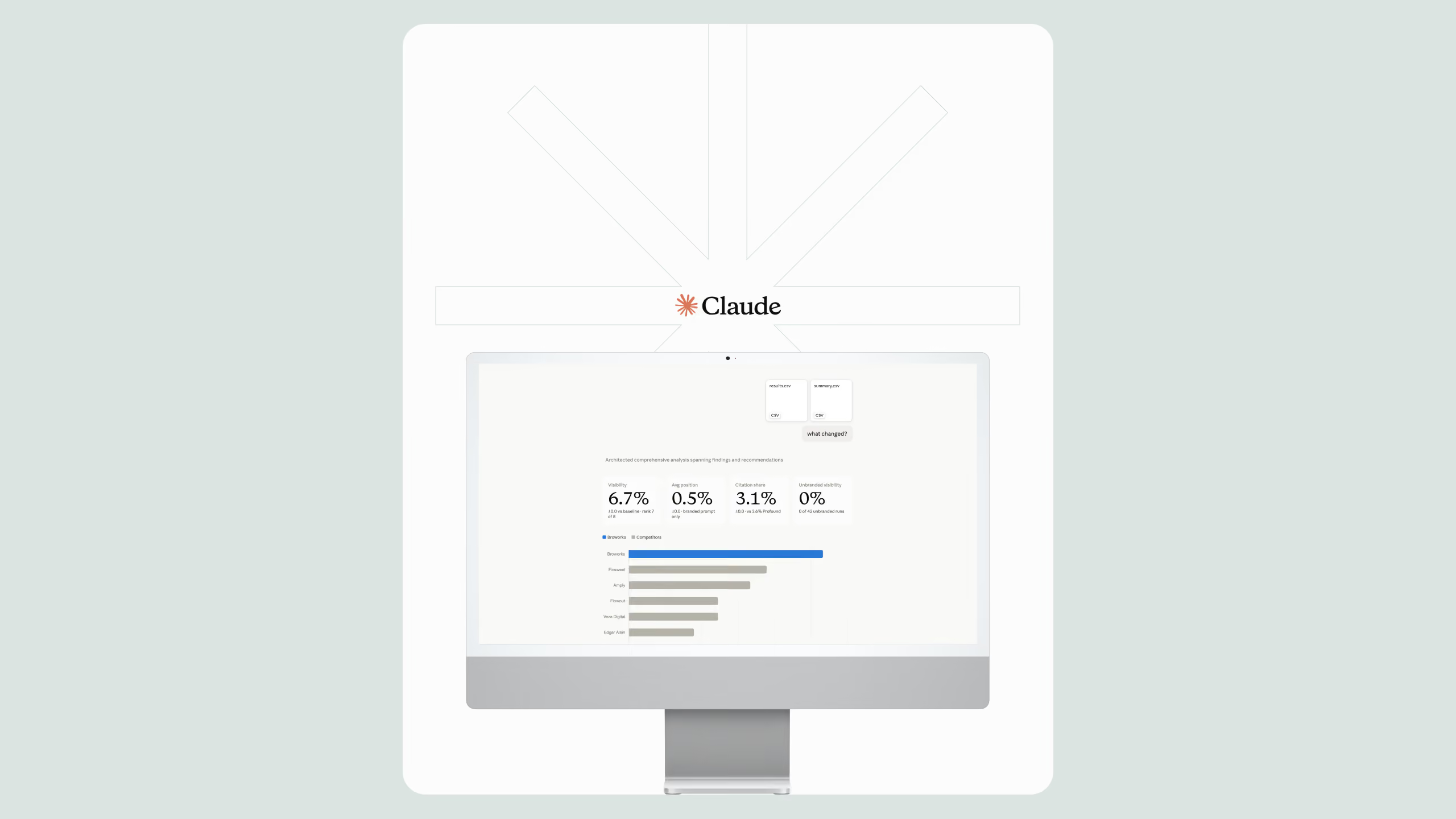
An AI visibility tracker measures how often AI assistants like Claude, ChatGPT, and Perplexity mention or cite a specific brand or website when answering relevant buyer questions. It works by sending a fixed set of prompts to an AI model on a schedule, scanning the responses for brand and domain mentions, and logging the results over time to reveal visibility trends.
What the Claude Visibility Tracker Does
The tracker we built at Broworks is deliberately simple. It:
- Sends a defined list of prompts (your buyers' real questions) to Claude via the API
- Scans each response for your brand name, domain, and competitor names
- Logs every run to a CSV file with a timestamp, so you can chart visibility over time
- Runs on a schedule (daily or weekly) with no manual work after setup
- Costs a few cents per run, depending on prompt volume
It's not a replacement for full platforms like Profound or Scrunch AI, which track multiple engines and regions. It's a fast, transparent baseline you fully control, and for many teams, that's exactly the right starting point at the top of the funnel.
Step-by-Step: Building the Tracker
Step 1: Install Python
The tracker runs on Python 3.10 or newer.
- Mac: Open Terminal and run
python3 --version. If Python isn't installed or is older than 3.10, download the latest installer from python.org/downloads and run it. - Windows: Download the installer from the same page. During installation, check the box "Add Python to PATH", this is the step most people miss, and skipping it breaks every later command.
- Verify the install: run
python3 --version(Mac) orpython --version(Windows Command Prompt). You should see something likePython 3.12.x.
Step 2: Get a Claude API Key
- Create an account at the Anthropic Console and add a small amount of credit ($5 is more than enough to start).
- Go to API Keys, generate a new key, and copy it somewhere safe. You'll only see it once.
- Never paste this key directly into the script or commit it to GitHub. The tracker reads it from an environment variable instead.
Set the environment variable:
- Mac: In Terminal, run
export ANTHROPIC_API_KEY="your-key-here". To make it permanent, add that line to your~/.zshrcfile. - Windows: Search for "Edit environment variables," add a new user variable named
ANTHROPIC_API_KEY, and paste your key as the value. Restart Command Prompt afterward.
Step 3: Get the Tracker Code
The complete, ready-to-run repository is gated, fill out the short form of this article and you'll receive the GitHub link by email. Once you have it:
- Mac:
git clonethe repo, or download the ZIP and unzip it into a folder like~/ai-visibility-tracker. - Windows: Download the ZIP from GitHub and extract it to
C:\ai-visibility-tracker.
Then install the dependencies from inside the folder:
pip install anthropic pandas(On Mac, use pip3 if pip isn't recognized.)
Step 4: Configure It for Your Brand
This is the part you must change to make the tracker yours. Open config.py in any text editor and update three things:
BRAND_NAME- your company name exactly as it's written publicly (e.g.,"Broworks"). Add common variations toBRAND_ALIASESif your name gets spelled multiple ways.DOMAIN- your root domain without protocol (e.g.,"broworks.net"). The tracker matches this against any URLs Claude cites.COMPETITORS- a list of 3–5 competitor brand names. This turns the tracker from a mirror into a benchmark: you'll see share of voice, not just your own mentions.
Next, open prompts.txt and replace the sample prompts with 10–25 questions your actual buyers ask. Good prompts are specific and commercial in nature: "best Webflow development agency for SaaS," "who should I hire for a WordPress to Webflow migration," "top agencies for AI search optimization." Avoid generic questions like "what is Webflow", nobody wins a citation worth having on those.
Step 5: Run It
From the tracker folder:
- Mac:
python3 tracker.py - Windows:
python tracker.py
The script sends each prompt to Claude, checks every response for your brand, domain, and competitors, and appends the results to results.csv. Each row records the date, the prompt, whether you were mentioned, whether you were cited by URL, and which competitors appeared.
Step 6: Schedule It
One run is a snapshot. The value comes from the trend line.
- Mac: Use
cron. Runcrontab -eand add a line like0 8 * * 1 cd ~/ai-visibility-tracker && python3 tracker.pyto run every Monday at 8 a.m. - Windows: Open Task Scheduler, create a basic task, set a weekly trigger, and point the action to
pythonwithtracker.pyas the argument and the tracker folder as "Start in."
After four to six weeks, open results.csv in any spreadsheet tool and chart mention rate per week. That's your AI visibility baseline.
To build a basic AI visibility tracker, you need four components: Python 3.10+, an Anthropic API key, a configuration file containing your brand name, domain, and competitors, and a list of 10–25 buyer-intent prompts. The script queries Claude on a schedule, scans responses for mentions and citations, and logs results to a CSV file for trend analysis.
Common Mistakes and Pitfalls
- Testing only branded prompts. Asking "tell me about [your brand]" proves nothing. Track the unbranded, commercial questions where being recommended actually wins business.
- Changing prompts mid-stream. If you edit your prompt list every week, your trend data becomes meaningless. Lock the list for at least a quarter.
- Reading too much into one run. AI responses vary between runs. A single missing mention is noise; a six-week decline is signal.
- Ignoring the "why." The tracker tells you whether you're visible, not why. Fixing low visibility usually comes back to structured content, entity clarity, and crawlable site architecture, the same fundamentals covered in our LLM visibility resources.
- Hardcoding the API key. Anyone with repo access can see it, and leaked keys get abused fast. Environment variables exist for a reason.
Tracker vs. Manual Checks vs. SaaS Platforms
A custom Claude-based AI visibility tracker costs roughly $2–10 per month in API usage and takes one to two hours to set up, compared to enterprise SaaS platforms that monitor multiple AI engines at a significantly higher monthly cost. The custom approach suits teams that want a controlled, transparent baseline; SaaS platforms suit teams needing multi-engine, multi-region coverage.
What to Do With the Data
Visibility measurement is only step one. If the tracker shows you're absent from answers your competitors dominate, the fix lives on your website: clear entity definitions, answer-formatted content, structured data, and fast, clean pages that AI crawlers can parse. This is where site foundations matter, content structure and technical quality compound. We've seen this play out in our own client work: after a structural and content overhaul focused on crawlability and answer-oriented pages, Visa Franchise grew organic traffic by 284%, and that same discipline is what earns citations in AI answers. If your current platform makes those changes slow or fragile, a purpose-built Webflow development foundation is often the unlock.
Measure first. Then fix what the measurement reveals.
More resources
.svg)
.svg)


Webflow Loom Integration