
Adobe Experience Manager to Webflow: Cutting Complexity Without Losing Control

TL;DR
- Enterprise marketing teams on Adobe Experience Manager are paying a structural tax (developer dependency, six-figure licensing, and slow content velocity) for platform capabilities that most B2B and SaaS companies do not meaningfully use at scale.
- AEM's architecture maps directly to Webflow: Content Fragments become CMS Collections, AEM components become Webflow Symbols, and DAM governance transfers to Cloudinary, Brandfolder, or Bynder depending on asset volume and workflow requirements.
- A migration off AEM is a governance decision as much as a technical one, Webflow's Editor role system and CSS variable framework preserve brand control while giving marketing teams the publishing autonomy that AEM structurally gates behind developer queues.
Enterprise CMS decisions rarely age well. Adobe Experience Manager entered most stacks during an era when only developers could publish to the web, when content workflows required IT tickets, sprint cycles, and a six-figure annual contract felt like the price of doing business at scale.
That era is ending. Marketing teams running an adobe experience manager to webflow migration today aren't downsizing, they're reclaiming operational control that AEM structurally prevents. The question isn't whether Webflow can match AEM feature-for-feature. It's whether your team's current AEM setup is actually delivering on the promise that justified its cost in the first place.
This guide is written for marketing directors and CMOs at enterprise or scaling SaaS companies who are actively evaluating the move. It covers the cost and operational case for leaving AEM, how to map your existing content architecture to Webflow CMS, how to replace your DAM without losing asset governance, and how to maintain brand control post-migration, without rebuilding your entire content operation from scratch.
Why Enterprise Marketing Teams Are Moving Away from Adobe Experience Manager to Webflow
AEM was built for a world where the website was primarily an IT asset. Content editors submitted requests, developers built components, and the marketing team worked around the platform rather than inside it. For organizations running complex multi-region portals with dedicated content engineering teams, that tradeoff made sense.
For most mid-to-enterprise SaaS and B2B companies today, it doesn't.
The shift isn't ideological, it's operational. Marketing teams are expected to ship landing pages in days, not sprints. A/B tests need to run without developer involvement. Content strategies are moving faster than any IT-dependent CMS can support. Meanwhile, AEM's core value proposition, a deeply integrated digital experience platform, requires ongoing developer resources, Adobe-certified expertise, and a support contract that compounds year over year.
Adobe Experience Manager is a Java-based enterprise CMS built for large-scale content operations with multi-site management, DAM, and personalization features included by default. It requires developer expertise to operate, carries enterprise-level licensing costs, and is best suited for organizations with dedicated IT and content engineering teams. For marketing-led B2B or SaaS companies seeking faster content velocity and lower operational overhead, Webflow represents a structurally different approach, one where marketing teams can publish, iterate, and govern without a development dependency on every update.
The Real Cost of Running Adobe Experience Manager
The licensing fee is only one line on the invoice. AEM's total cost of ownership includes substantially more than the platform contract itself.
AEM cost components to account for:
- Adobe Experience Manager licensing, enterprise deployments typically range from $150,000 to well over $400,000 annually depending on deployment type, usage tier, and contractual add-ons
- Adobe Managed Services or AEM Cloud Service infrastructure fees
- AEM developer salaries or agency retainers, AEM-certified developers are a specialized resource with a meaningful market premium
- Ongoing component development, customization, and implementation costs as marketing needs evolve
- Content migration and upgrade costs during major AEM version releases
- Training and support contracts for content editors who work within the platform
According to Gartner's research on Digital Experience Platforms (DXPs), these platforms are designed to support the management, delivery, and optimization of personalized digital experiences across multiple channels and customer journeys. Enterprise DXP solutions are often best suited to organizations with complex requirements around personalization, integrations, governance, multilingual content, and global scale. Gartner's research also highlights that organizations should evaluate DXP investments against their specific business needs, as some mid-market companies may prioritize lower implementation complexity, faster time-to-value, and more focused platform capabilities over the broader feature sets offered by enterprise-grade DXPs.
Webflow Enterprise operates on a fundamentally different model. Teams pay for the platform, not for developer hours to operate it on a routine basis. Marketing directors can update content, launch pages, and manage brand assets without touching a development sprint after the site is built. The total cost of ownership shifts considerably when you factor in reduced developer dependency on ongoing content operations.
For companies currently on AEM, the savings from a structured Webflow migration typically compound over 12–24 months as internal headcount shifts from CMS maintenance to growth-oriented activities.
Mapping AEM Architecture to Webflow CMS
The most common concern from enterprise marketing teams evaluating this migration is structural: "Our content model is complex, will Webflow actually support it?" In most cases, the answer is yes. But it requires deliberate mapping rather than a direct export.
Here is how the core AEM architectural elements translate to Webflow:
Content Fragments → Webflow CMS Collections
AEM Content Fragments are structured content blocks, authored independently from page layout and referenced across multiple pages and channels. They are designed for headless or hybrid delivery and allow content to exist as a reusable entity rather than a page-bound block.
Webflow CMS Collections serve a functionally similar purpose. A Collection is a structured content database with defined fields (rich text, images, references, options) that powers dynamic pages and can be referenced across the site. The structural mapping is direct:
AEM vs. Webflow: Enterprise Feature Comparison
When comparing Adobe Experience Manager to Webflow for enterprise use, the central distinction is operational ownership. AEM requires developer involvement for content publishing, component updates, and most site changes, making it IT-dependent by design. Webflow shifts publishing control to marketing teams through a visual editor while maintaining developer-level design precision in the underlying structure. For enterprise teams prioritizing content velocity, reduced operational overhead, and faster page deployment cycles, Webflow's architecture is designed specifically for marketing-led operations rather than IT-gated content delivery.
DAM Replacement Strategy
Before migrating asset libraries, run a structured audit. Enterprise AEM DAMs often contain years of accumulated assets many of which are outdated, duplicated, or no longer referenced on any active page. The migration is an opportunity to rationalize your asset library, not simply relocate it.
DAM migration process for AEM-to-Webflow migrations:
- Audit active assets: Export your AEM DAM inventory and identify which assets are referenced on live pages versus archived or orphaned content
- Define metadata requirements: Determine which metadata fields are operationally critical (alt text, licensing info, usage rights, expiry dates) and which are archival or reporting-only
- Select your DAM replacement: Choose between Webflow native assets, Cloudinary, Brandfolder, or Bynder based on volume, governance requirements, and workflow needs
- Migrate in priority batches: Begin with high-traffic assets (homepage, product pages, active campaign materials) before addressing the full historical library
- Establish naming conventions and folder structure before import: DAM governance is significantly harder to retrofit than to define upfront; naming standards and folder taxonomy should be agreed on before a single asset is uploaded
- Configure Webflow Editor permissions: Restrict asset upload and modification access in the Webflow Editor to approved team members to maintain governance consistency after launch
Webflow's CMS documentation via Webflow University covers the technical detail on CMS field types, Collection reference limits, and asset handling within Webflow projects, useful reference material during the architecture planning phase.
Maintaining Brand Governance After Migration
One of the most legitimate concerns enterprise teams raise when evaluating a move away from AEM is brand control. AEM's component-based architecture, combined with role-based access control, creates a governance layer that marketing teams, once trained, rely on heavily to maintain consistency across regions and content owners.
Webflow's governance model is different, but it is not weaker. It is visual rather than architectural.
Webflow supports enterprise-grade brand governance through Editor roles that restrict content editing to defined text fields and image swaps without exposing design structure or code. Combined with CSS variables (design tokens that control typography, color, and spacing globally) Webflow allows brand teams to lock down the visual system while giving content teams full publishing autonomy. For enterprise migrations from AEM, this model frequently results in faster brand compliance than AEM's developer-gated component approach, because the visual constraints are embedded in the design system rather than enforced through access tickets and approval queues.
The governance configuration in Webflow for AEM migrations typically involves four elements:
Design tokens via CSS variables: Define brand colors, type scales, and spacing units as CSS custom properties. These become the single source of truth for visual consistency across every page and template on the site.
Editor role configuration: Webflow's Editor grants granular control over which elements are editable. Content team members see only text fields and image swaps; they cannot modify layout, global styles, or component structure.
Style guide page: Build a locked reference page in Webflow that documents the approved component library, color palette, and typography usage for internal teams, visible to editors but not editable.
Content approval workflows: For teams that require approval steps before content goes live, third-party automation tools like Make.com or Zapier can be configured to trigger Slack notifications or log new CMS submissions for review before publication.
This governance structure gives marketing teams what AEM rarely delivered in practice: the ability to move quickly without breaking brand. For more on how Webflow development supports enterprise-grade design systems and Editor governance, the linked overview covers the implementation approach in detail.
Enterprise Readiness: Is Your Team Ready to Migrate?
Not every AEM installation is equally suited to a Webflow migration. Some implementations, particularly those running multi-site management across 15 or more regional properties with complex personalization rules, require a phased approach rather than a full platform cutover.
Before committing to a migration timeline, evaluate your organization against these readiness signals:
Signs your AEM stack is ready for Webflow migration:
- Your team submits IT or developer tickets for routine content updates (blog posts, landing pages, campaign copy) rather than publishing independently
- You are paying AEM licensing fees but using a fraction of the platform's full feature set on a day-to-day basis
- Page launch cycles are measured in weeks rather than days, creating a friction point between marketing campaigns and execution
- Your AEM implementation is running on an older version and your team lacks the internal capacity or budget to manage the upgrade cycle
- Marketing owns the growth roadmap but does not own the website
Signs a phased migration or hybrid approach may be more appropriate:
- You have active personalization rules via Adobe Target that are tightly coupled to AEM's content structure and require significant re-architecture before migration
- Multi-site management spans more than 10 regional properties with independent content teams and deeply shared content hierarchies
- Your AEM is integrated directly into a commerce platform (such as Magento, SAP Commerce, or Hybris) with data dependencies that extend beyond marketing content
For enterprise teams in the evaluation stage, the 2026 Migration to Webflow Playbook provides a structured framework for assessing migration scope, defining success metrics, and planning the sprint sequence for a zero-SEO-loss migration.
According to Adobe's own AEM as a Cloud Service documentation, the platform is architected for enterprises requiring global scalability and continuous delivery infrastructure at the platform level. For organizations where that infrastructure overhead exceeds the operational value delivered, the case for migration becomes clear without requiring further justification.
Working With a Migration Partner
The technical complexity of an AEM-to-Webflow migration (content model mapping, DAM selection and transfer, redirect architecture, SEO transfer, and brand governance configuration) warrants experienced implementation support rather than an internal figure-it-out approach.
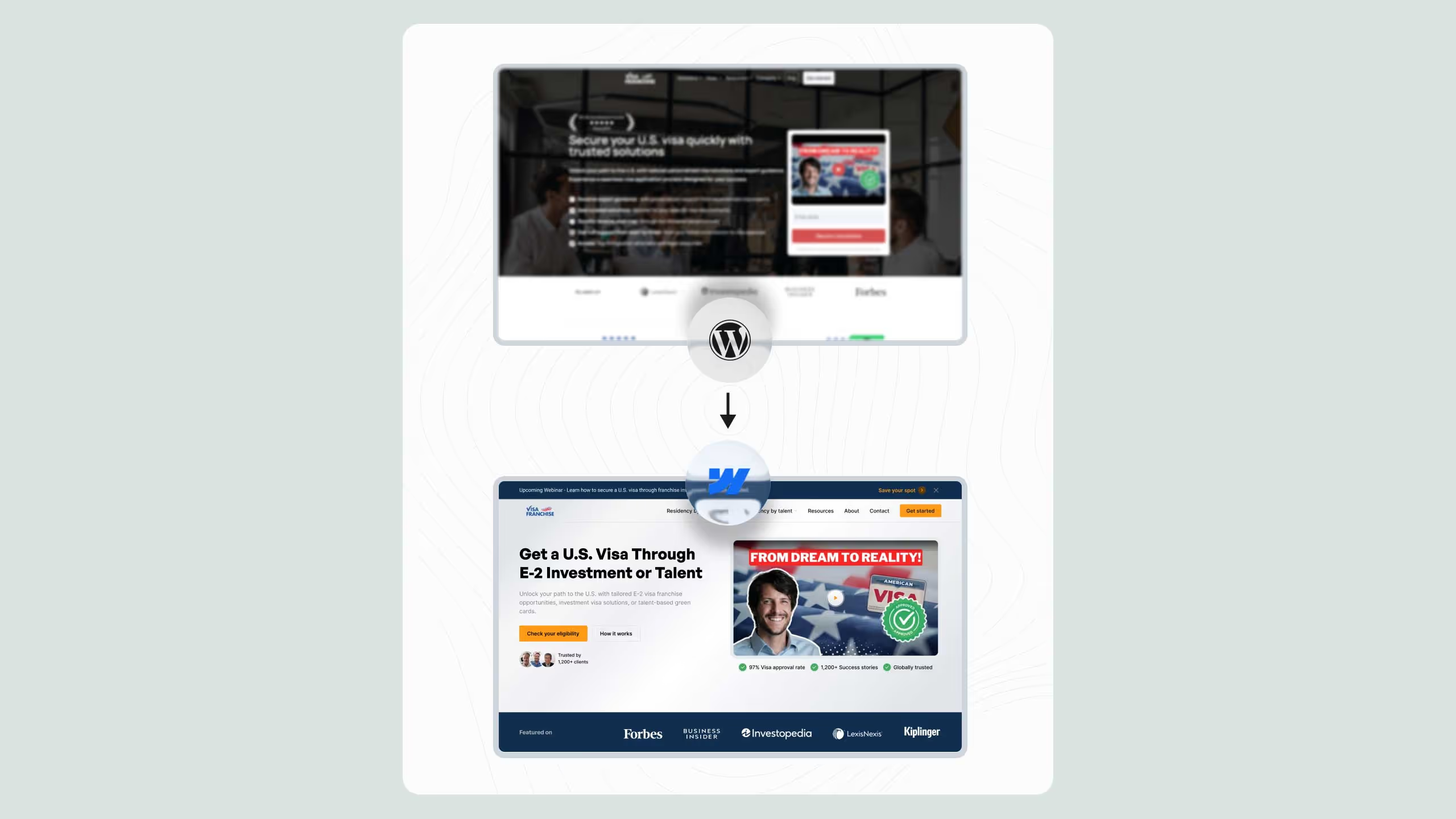
Broworks specializes in enterprise WordPress to Webflow migrations and has extended that methodology to cover AEM migrations for marketing-led B2B and SaaS teams. The migration framework covers content architecture planning, component rebuild, SEO transfer validation, and post-launch governance setup, structured as a defined sprint engagement with clear deliverables rather than an open-ended retainer.
For teams evaluating migration partners and timelines, the Broworks resources library includes migration planning guides, case studies, and supporting frameworks for teams that want to improve their AEO and AI search visibility alongside the migration itself.
.svg)
.svg)
.avif)