GDPR checklist for Webflow websites [2025]

TL;DR
GDPR compliance in Webflow isn’t one toggle, it’s 12 repeatable steps.
This checklist walks you through mapping data, signing the Webflow DPA, implementing consent banners, handling EU-US transfers under the Data Privacy Framework, securing forms, and training teams.
Follow it to create an audit-ready, privacy-respecting Webflow site that stays fast, credible, and legally safe in 2025 and beyond.
GDPR checklist for Webflow websites
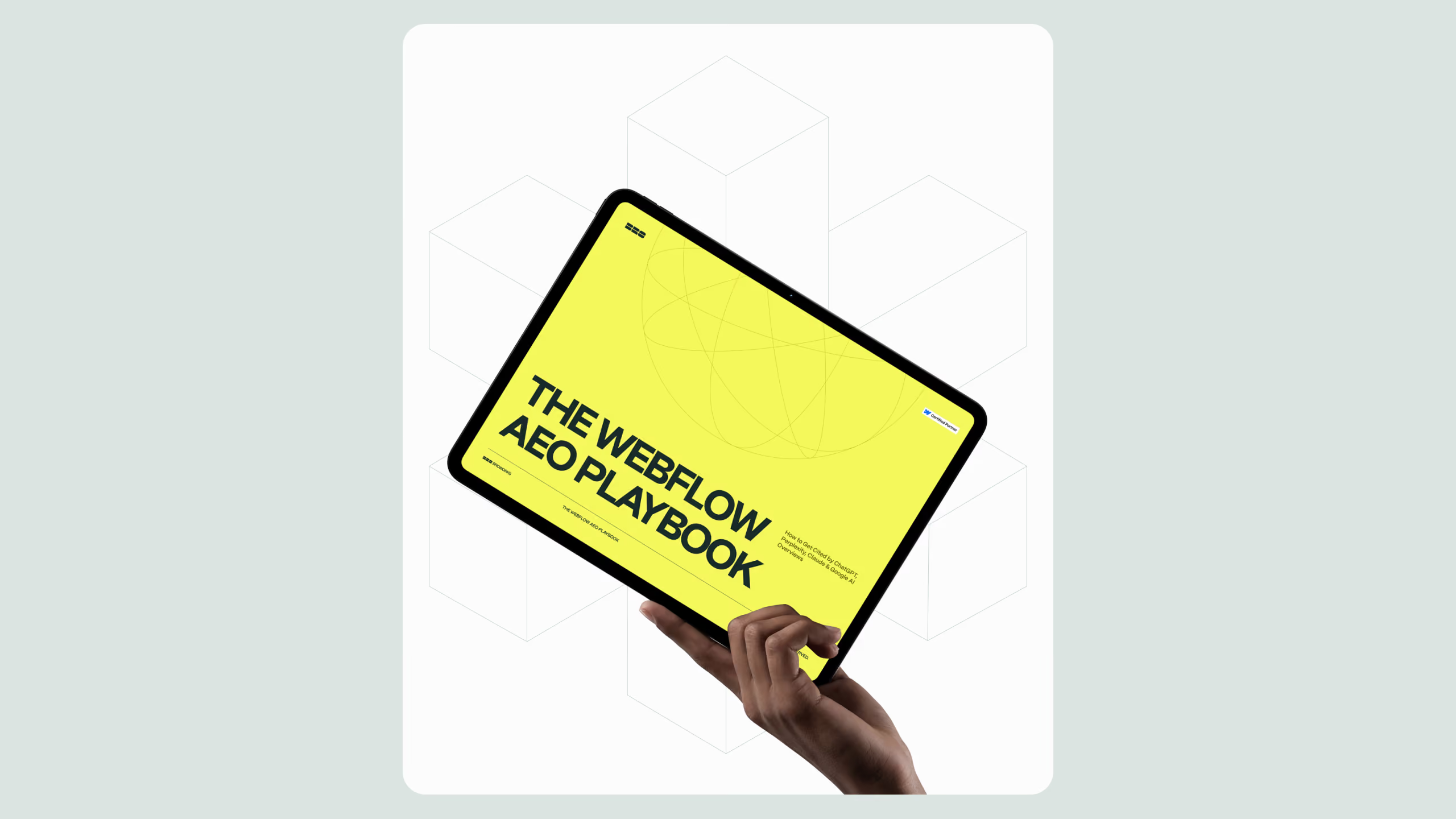
If you are preparing your site for EU traffic, this GDPR checklist for Webflow websites is your field guide to risk-reduced, audit-ready compliance. In this article, you will learn what the GDPR requires in practical terms, how Webflow fits into your controller-processor setup, what changed with EU-US transfers in 2025, and how to implement consent, policies, security, and user rights without breaking your design. You can download the full GDPR checklist after a quick form fill on the right.
Reasons to have a GDPR checklist
- 2,245 GDPR fines recorded by March 1, 2025, totaling ~€5.65B in penalties, showing enforcement is active across sectors. CMS Law
- On September 3, 2025, the EU’s General Court upheld the EU-US Data Privacy Framework, providing added legal certainty for transatlantic transfers. Reuters+1
- The EU-US DPF adequacy decision has been in force since July 10, 2023, enabling certified US companies to lawfully receive EU data. European CommissionData Privacy FrameworkEUR-Lex
- Webflow publishes a Data Processing Addendum (DPA), privacy policy, and FAQs that explain storage, sub-processors, and SCCs or DPF use. Webflow+2Webflow+2
- Dark patterns in consent UIs are on regulators’ radar. EDPB guidance and industry analyses warn against deceptive banner designs. EDPBCookieYes
- Rulings in 2024–2025 clarified aspects of the IAB Europe TCF ecosystem, though responsibilities vary by role and implementation.
Who this guide is for
Marketing leaders, legal/compliance partners, and Webflow teams that need a clear, actionable GDPR checklist for Webflow websites. We cover both strategy and implementation details so your marketing site remains high-performing and compliant.
The definitive GDPR checklist for Webflow websites
Use the following sections as your working plan. Each step includes what to do, where to do it, and how to evidence it for audits.
1) Map your data and roles
What to do: Inventory the personal data you collect: forms, analytics, chat, cookies, third-party embeds, CRM syncs, and job applications. Identify your role as controller and Webflow’s role as processor for hosted assets and CMS.
Where: Internal spreadsheet or RoPA tool, Webflow Project settings → Integrations.
Proof: Records of Processing Activities (RoPA), data maps, sub-processor list, DPA with Webflow.
2) Establish a lawful basis for each purpose
What to do: For marketing cookies and analytics beyond strictly necessary, plan to collect freely given, specific, informed, unambiguous consent. Use legitimate interest only when appropriate and documented.
Where: Consent platform settings, privacy policy, form copy.
Proof: Consent logs, policy text that maps each purpose to a lawful basis.
3) Implement a compliant cookie consent banner
What to do: Use a banner that offers Accept All, Reject All, and Manage Preferences, with equal prominence, no pre-ticked boxes, and no dark patterns. Block non-essential scripts until consent.
Where: Webflow → embed consent manager script in the Site Settings or in the project head; use a tag manager to conditionally fire tags based on consent state.
Proof: Consent logs by user and timestamp; screenshot evidence of banner behavior; CMP configuration export.
4) Sign and store your Webflow DPA
What to do: Execute the Webflow Data Processing Addendum and document sub-processors.
Where: Webflow Legal pages; keep a signed copy in your compliance folder.
Proof: Executed DPA, sub-processor monitoring record.
5) Handle EU-US data transfers correctly
What to do: If personal data is transferred to the US, confirm whether your US vendors are EU-US DPF-certified or rely on SCCs with appropriate assessments. Reflect this in your policy and vendor due diligence.
Where: Vendor list, privacy policy, transfer impact assessments.
Proof: Vendor DPF listing, SCCs, TIAs, policy sections on international transfers.
6) Update your privacy policy
What to do: Write a plain-language policy that covers data categories, purposes, legal bases, retention, transfers, data subject rights, contact, and complaint options. Reference consent preferences and revocation.
Where: Webflow CMS static page, linked in the footer and consent banner.
Proof: Publication date, version history, legal review notes.
7) Build user rights workflows (DSRs)
What to do: Provide easy mechanisms for access, deletion, rectification, portability, restriction, and objection. Add a Do Not Sell or Share link if applicable under other regimes.
Where: A DSR request form in Webflow, plus internal SOP for response within one month.
Proof: Ticketing logs, identity verification steps, response templates.
8) Secure forms and data flows
What to do: Enable SSL, minimize fields, encrypt at rest where supported by processors, and restrict admin access. Disable unnecessary integrations.
Where: Webflow Site Settings → Publishing; user management; connected apps.
Proof: Access logs, role-based permissions, penetration test summaries.
9) Set purposeful data retention
What to do: Define retention periods for forms, CRM leads, and analytics. Purge or anonymize on schedule.
Where: CRM automations, analytics settings, internal SOPs.
Proof: Retention policy document and purge logs.
10) Assess high-risk activities
What to do: Run a DPIA when large-scale monitoring or special-category data is involved.
Where: DPIA template and risk register.
Proof: DPIA document, mitigations, sign-off.
11) Prepare for incidents
What to do: Draft a breach response plan with time-bound steps for investigation, containment, notification, and remediation.
Where: Security incident SOP, contact tree, message templates.
Proof: Tabletop exercise records and lessons learned.
12) Train your team
What to do: Provide annual privacy training and role-specific refreshers for marketers and Webflow editors.
Where: LMS or documentation hub.
Proof: Completion logs, quiz scores.
Implementation patterns that work in Webflow
- Consent and tag governance: Use a reputable CMP and connect it to your tag manager. Block scripts until consent. Avoid friction that nudges users to accept through design tricks. This reduces risk under EDPB dark-patterns guidance.
- Analytics with consent: Run GA4 or privacy-centric analytics only after opt-in for marketing categories. Configure IP anonymization and shortened retention.
- Forms and CRMs: Provide explicit consent checkboxes and link to your policy. If you email market into the EU, log granular consent and consider double opt-in.
- Advertising frameworks: If you participate in programmatic advertising, align to the latest TCF responsibilities, recognize that recent rulings did not blanket-ban TCF but clarified roles and obligations.
- International transfers: Keep a simple register that notes whether a vendor is DPF-certified or uses SCCs with a TIA on file. With the EU General Court’s 2025 decision backing the DPF, you have more certainty, but keep monitoring appeals.
Why partner with us
We combine Webflow architecture, consent engineering, and marketing ops to keep your site fast, on-brand, and compliant. Our approach avoids generic plugin bloat, uses structured policies, and implements CMPs and tag governance without compromising UX or SEO.
Final reminder
Compliance is not one switch in Webflow. It is the combination of clear policies, honest consent, verified transfers, secure forms, and repeatable processes. Start with the GDPR checklist for Webflow websites, get stakeholder sign-off, and monitor your vendors. When you are ready, contact us to implement everything end-to-end.
Download: Fill out the form on the right to access the full GDPR checklist for Webflow websites in CSV and Google Sheets formats.
.svg)
.svg)