Webflow
- Best for
- Growth marketing sites that need structure + scale
- CMS depth
- High
- SEO control
- High
- Team workflow & governance
- Strong roles + managed hosting

Startups in 2026 face a critical decision: invest in development resources or leverage visual website builders that enable rapid iteration without code. Modern visual builders like Webflow, Framer, and Wix Studio now power enterprise-grade experiences while maintaining the speed and flexibility early-stage teams need. The shift isn't just about saving development costs, it's about marketing autonomy, faster go-to-market cycles, and building systems that scale with your product roadmap. According to recent data from BuiltWith, over 847,000 live websites now use Webflow alone, with 43% serving B2B SaaS companies that require both design control and technical performance.
Choosing a Visual website builder in 2026 isn’t about which tool has the prettiest templates. It’s about which platform makes your team faster without creating future technical debt.
A lot of startups start with “anything that launches.” Then the roadmap hits: new landing pages, experiments, international expansion, content scaling, hiring… and suddenly the website becomes a bottleneck.
This guide is middle-to-top of funnel on purpose: it’s designed to help you pick a Visual website builder that fits how startups actually operate, quick launches now, clean scaling later.
In 2026, most founders and marketing leads are dealing with the same constraints:
So the “best Visual website builder” is the one that matches your constraints across these four dimensions:
Below is a practical matrix you can use to narrow options quickly.
This aligns with broader “best builder” coverage you’ll see in 2026 roundups (often ranking Wix, Shopify, Squarespace, HubSpot among top options), but the matrix above is filtered specifically for startup operating reality.
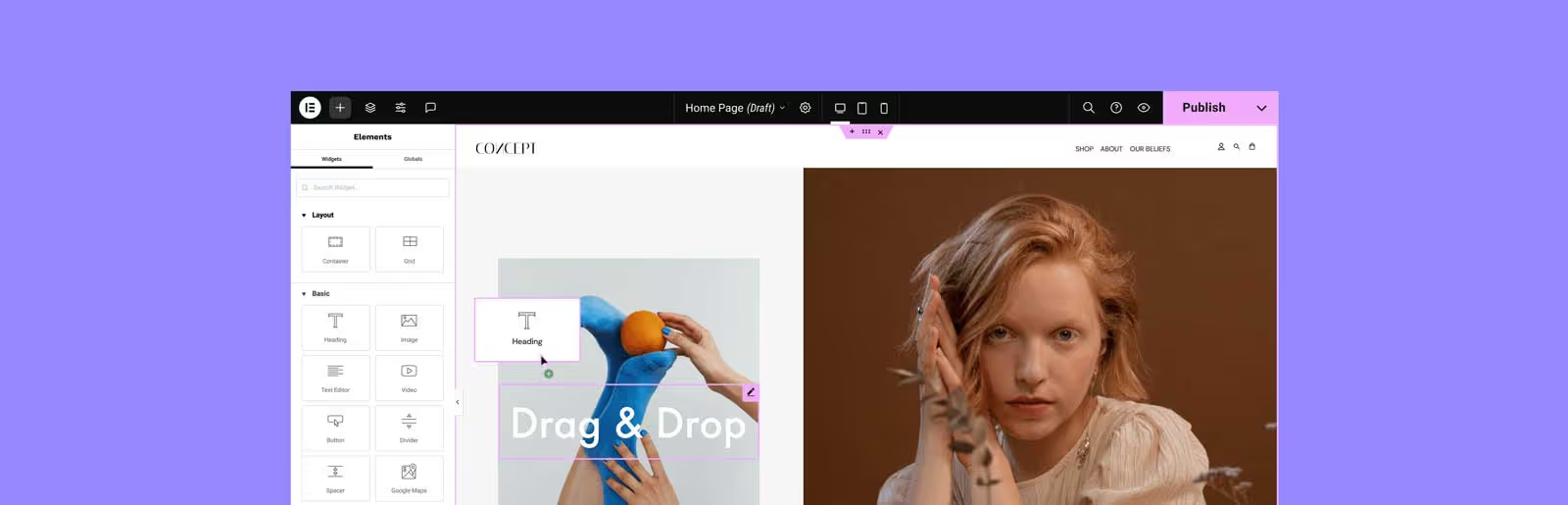
If your startup roadmap includes SEO growth, content scaling, and continuous landing-page iteration, Webflow is often the strongest Visual website builder choice, because it’s designed for structured marketing sites that evolve.
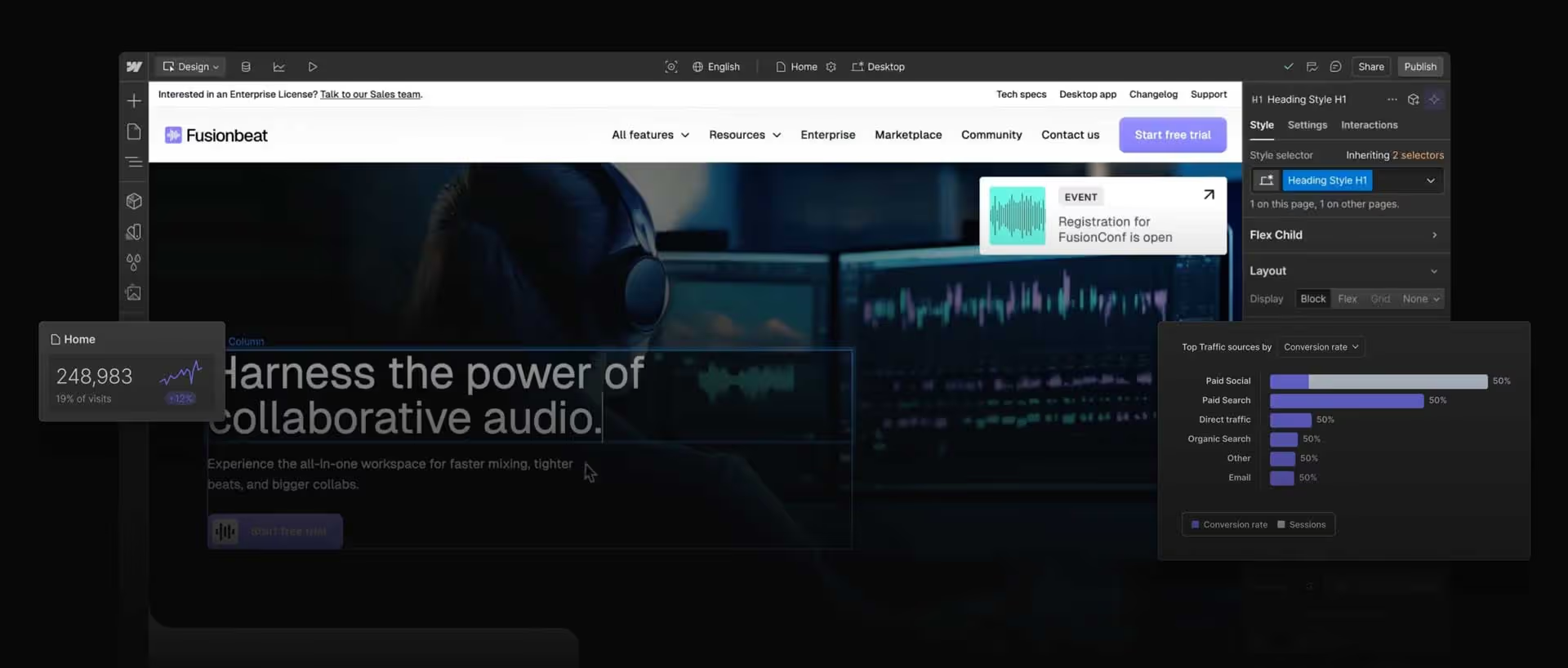
Why Webflow works well for startups
When Webflow is not the best fit
One practical startup approach (what high-performing teams do)
Instead of treating the website as a one-time launch, treat it like a system you operate:
If you want to see what this looks like operationally in practice, teams often anchor their build on a scalable Webflow foundation (and then extend into experimentation, CRO, and SEO). If that’s the direction you’re heading, this is where an implementation partner matters more than the tool:
Framer has earned a real place in 2026 as a Visual website builder for teams that want high polish with fast publishing.
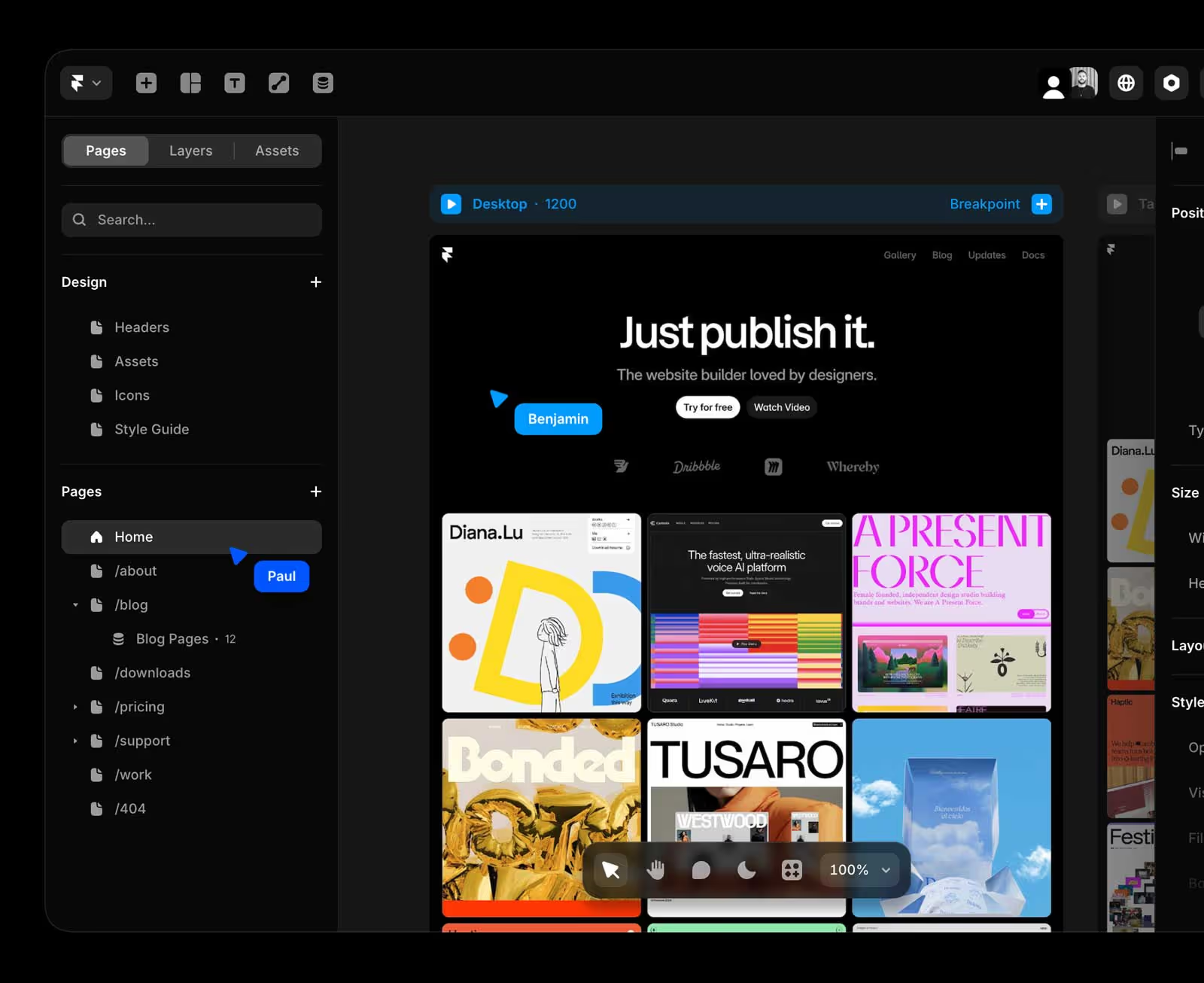
Where Framer shines
Where Framer can feel limiting (as you scale)
Pricing and plan constraints matter too, especially around CMS and page limits, so it’s worth scanning Framer’s plan details when you’re modeling your site size.
Wix Studio is Wix’s more “pro” build environment, aimed at designers, marketers, and teams building multiple sites, often with more workflow tooling than traditional drag-and-drop.
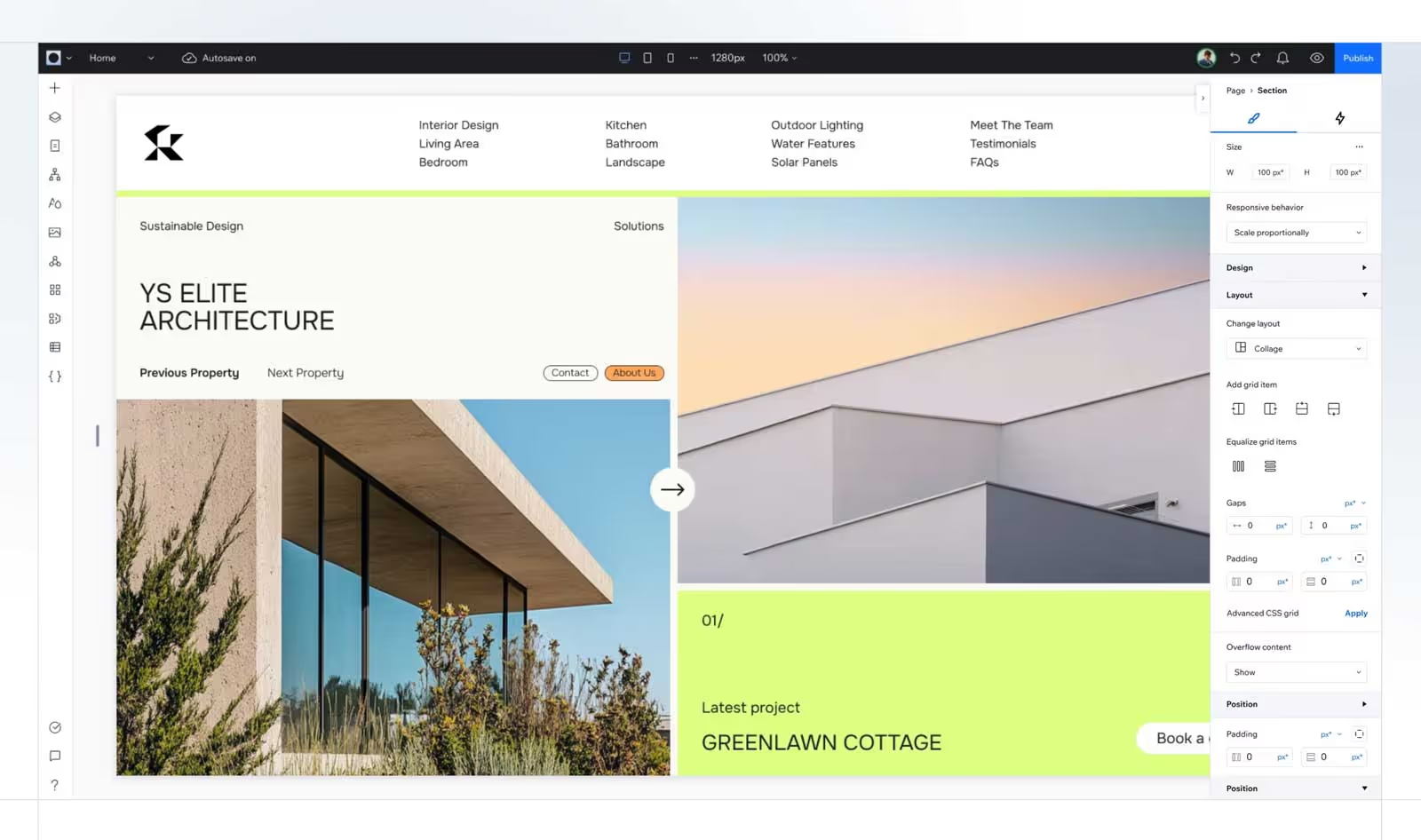
Why startups pick Wix Studio
Where it can fall short
If your roadmap is heavily SEO-driven with a lot of structured content types and programmatic pages, you may hit limitations earlier than with a platform built around deeper CMS modeling. Wix is frequently ranked highly in broader 2026 lists because it balances ease-of-use with features. But “best overall” doesn’t always mean “best for your scaling model,” so use the matrix earlier.
WordPress remains dominant in CMS market share, and the modern block editor ecosystem makes it more visual than it used to be. W3Techs still shows WordPress as the biggest CMS footprint on the web, with other builders (including Webflow) making up smaller shares.
Why startups still choose WordPress in 2026
The tradeoff startups underestimate
WordPress can be a growth engine, but it often becomes an ops burden:
If you’re on WordPress now and you’re considering whether it’s time to switch, the real question isn’t “which builder is prettier?” It’s “what does it cost us in speed, reliability, and conversion over the next 12–24 months?” For teams that want less maintenance while keeping strong marketing control, a structured move can make sense: WordPress to Webflow migration
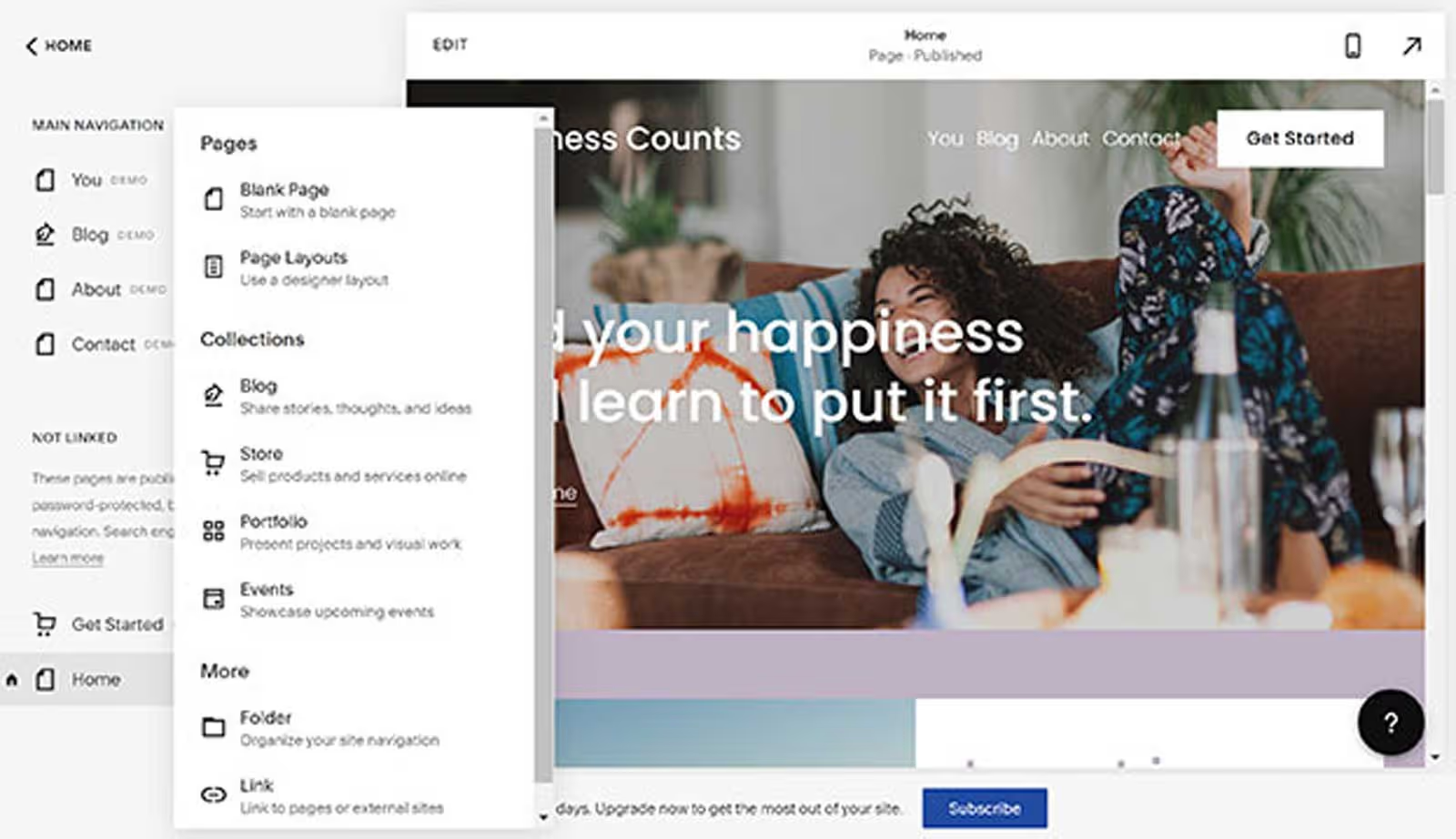
Squarespace remains a solid Visual website builder when the website is not core to your growth strategy.
Great fit if you:
Not great if you:
Squarespace is often highlighted in “best website builders” lists for design consistency and simplicity.
If HubSpot is your source of truth for lifecycle stages, personalization, and marketing ops, building the site directly in HubSpot can remove a lot of integration friction. HubSpot’s Content Hub positioning emphasizes scaling content and using built-in tools (including AI features), with pricing that varies by tier and seat.

Best for startups that:
Less ideal if:
Here’s the non-redundant way to think about it (not a feature checklist):
And if you’re already feeling the “our site slows us down” pain, that’s usually a sign your builder choice is mismatched to your operating model, not that your team needs to “try harder.”
The “best Visual website builder” for startups in 2026 is the one that protects speed of iteration while keeping SEO, structure, and governance intact. Pick the platform that matches your next 12 months, not your last 2 weeks. Then build a workflow around it so publishing is a repeatable system, not a recurring fire drill.
.svg)
.svg)