WordPress to Webflow Migration Process 101: How to Unbundle and Rebuild WordPress Stack

TL;DR
Most WordPress sites don’t fail because of content or design, but because their stack becomes too complex to manage safely. The WordPress to Webflow migration process works best when treated as an unbundling exercise, removing themes, plugins, and custom PHP in favor of native, platform-level capabilities. By rebuilding structure instead of copying it, teams reduce technical debt, improve velocity, and regain confidence in their website as a growth system rather than a liability.
Introduction to WordPress to Webflow migration process
For many growing B2B and SaaS companies, the WordPress to Webflow migration process doesn’t start because WordPress “failed.” It starts because the stack around WordPress became too complex to trust, maintain, or scale.
Over time, WordPress sites evolve into tightly coupled systems made of themes, plugins, custom PHP, third-party scripts, and fragile integrations. Each addition solves a short-term problem, but collectively they introduce long-term technical debt. Marketing teams hesitate to ship changes. Developers become gatekeepers. Performance, security, and SEO slowly degrade.
This case study breaks down the WordPress to Webflow migration process from a systems perspective. Instead of treating migration as a visual redesign, we focus on unbundling the WordPress stack and rebuilding each layer with simpler, safer Webflow-native equivalents.
Why the WordPress Stack Becomes a Liability
Before understanding how the WordPress to Webflow migration process works, it’s important to understand what most WordPress sites actually run on. Very few modern WordPress sites are “just WordPress.” They are ecosystems.
The typical WordPress stack
A standard production WordPress setup usually includes:
- A third-party theme or heavily modified custom theme
- Page builders layered on top of the theme
- 15–40 plugins for SEO, caching, security, forms, CMS extensions, redirects, analytics, and backups
- Custom PHP functions to glue everything together
- External services stitched in via plugins or webhooks
Each layer depends on the others. Updating one plugin can break another. Theme updates can override custom logic. PHP changes require testing environments many teams don’t have. This is the exact complexity the WordPress to Webflow migration process is designed to remove, not replicate.
WordPress to Webflow migration process: Unbundling the stack
Let’s break that down layer by layer.
1. Themes → Design systems
How Themes Work in WordPress
WordPress themes are responsible for:
- Layout structure
- Typography
- Component styling
- Template logic
Over time, themes become deeply entangled with plugins and custom PHP. Changing the theme often means rebuilding large parts of the site.
How Webflow replaces themes
In the WordPress to Webflow migration process, themes disappear entirely. Webflow replaces themes with:
- A visual layout engine
- Reusable components
- Class-based design systems
- CMS-driven templates
Instead of inheriting someone else’s assumptions, teams rebuild a design system aligned with their brand and content model. This is why migrations often result in faster marketing velocity, not because Webflow is “prettier,” but because structure is intentional.
For teams planning a structured rebuild, this typically happens during a focused sprint such as a WordPress to Webflow migration service engagement rather than an open-ended redesign.
2. Page builders → Native layout control
The page builder problem
Most WordPress sites rely on builders like Elementor, WPBakery, or Gutenberg extensions. These introduce:
- Nested DOM structures
- Inline styles
- Performance overhead
- Content locked to the builder
Builders feel flexible until scale introduces inconsistency.
Webflow’s alternative
In the WordPress to Webflow migration process, page builders are replaced by:
- Semantic HTML structure
- CSS class reusability
- Component-driven layouts
- Editor-safe content boundaries
This distinction matters. Marketing teams can edit content without breaking layouts, while developers retain control over structure. This separation is critical for teams planning long-term growth and often pairs well with ongoing Webflow development services rather than one-off builds.
3. Plugins → Native platform capabilities
Plugins are the heaviest part of the WordPress stack, and the easiest to misunderstand.
Common plugin categories
Most WordPress sites rely on plugins for:
- SEO
- Caching & performance
- Security
- Forms & submissions
- Redirects
- Custom post types
- Analytics
Each plugin adds code, dependencies, and risk.
How Webflow eliminates plugin sprawl
The WordPress to Webflow migration process replaces plugins with:
- Built-in CMS
- Native SEO controls
- Managed hosting and security
- Visual form builders
- Performance-optimized infrastructure
Instead of maintaining 20+ moving parts, teams operate inside a single managed environment. This is especially valuable for organizations where marketing teams need autonomy without increasing risk.
4. Custom PHP → Visual + API logic
Why custom PHP accumulates
Custom PHP usually exists to:
- Extend WordPress beyond its defaults
- Patch plugin limitations
- Integrate third-party systems
Over time, this logic becomes undocumented and fragile.
Webflow’s replacement model
Webflow removes PHP entirely from the WordPress to Webflow migration process.
Instead, logic is handled through:
- CMS structure
- Conditional visibility
- Client-side scripts
- External APIs via tools like Make or Zapier
This shift dramatically reduces the surface area for bugs and security issues while keeping advanced workflows possible.
5. Integrations → Clean data flows
WordPress integration reality
Most WordPress integrations rely on plugins acting as middlemen. When those plugins break or fall behind updates, data pipelines fail silently.
Webflow’s integration approach
In the WordPress to Webflow migration process, integrations are:
- Explicit
- API-driven
- Easier to audit
- Decoupled from the CMS
This makes Webflow a strong front-end layer for tools like HubSpot, CRMs, analytics platforms, and internal systems.
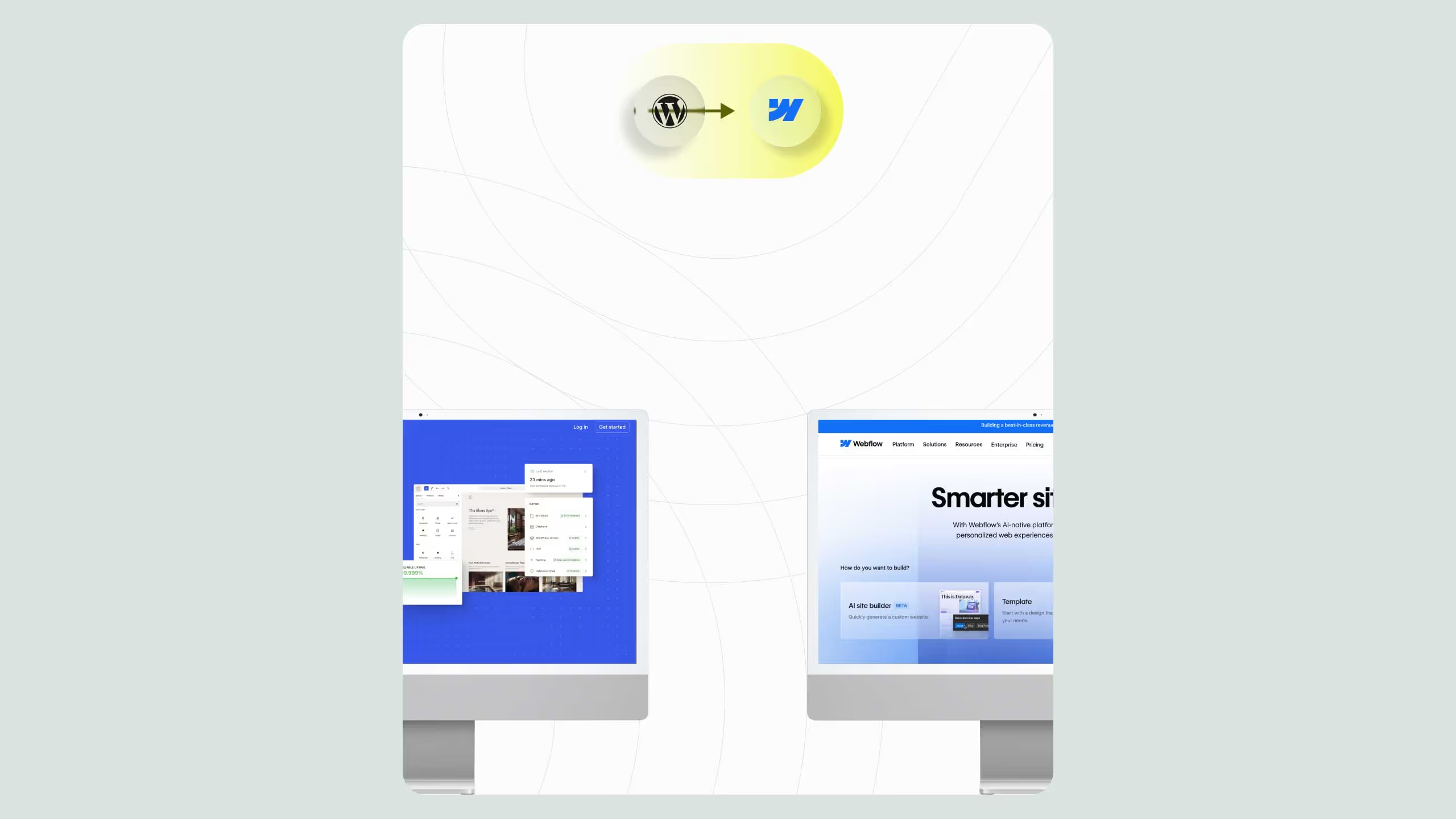
Below is a simplified architectural comparison to illustrate what actually changes during the WordPress to Webflow migration process.
What actually changes for teams
The WordPress to Webflow migration process produces structural changes, not just technical ones.
For marketing teams
- Faster publishing
- Fewer dependencies
- Lower risk of breaking layouts
For developers
- Less maintenance
- Fewer emergency fixes
- Clearer system boundaries
For leadership
- Predictable costs
- Reduced security risk
- Improved velocity
This is why migration is often paired with longer-term optimization rather than treated as a one-off project. Many teams continue into performance-focused work through structured Webflow services after launch.
Common migration mistakes to avoid
Even with the right intent, teams can undermine the WordPress to Webflow migration process by:
- Recreating plugin behavior unnecessarily
- Porting bad content structure
- Over-engineering CMS models
- Treating Webflow like WordPress
A clean migration requires rethinking architecture, not copying it.
.svg)
.svg)