
WordPress to Webflow Migration: What Actually Happens to SEO and Traffic
Most companies considering a migration don’t worry about design or development. They worry about losing traffic, rankings, and conversions. And they’re right to be cautious. A migration can improve performance, structure, and long-term growth, but it can also cause temporary traffic drops, keyword shifts, and visibility changes if not handled correctly. We help companies migrate to Webflow without losing what they’ve already built, and restructure their websites for stronger SEO, AI visibility, and conversion performance.
This page is for:

Companies planning a WordPress to Webflow migration
You’re evaluating a migration but want to understand what actually happens to SEO, traffic, and performance before making a decision.

Marketing teams responsible for growth and risk
You’re not just choosing a platform, you’re responsible for maintaining visibility, leads, and revenue during and after the migration.
Where migrations fail
Most traffic loss doesn’t come from the platform change itself, but from how the migration is handled. Common failure points:
Missing or incorrect redirects
Changing page structure without preserving intent
Weak internal linking after migration
Loss of keyword relevance across key pages
What improves outcomes after migration
The best migrations don’t just preserve traffic, they improve it. High-impact actions include:
Which approaches deliver the best results
How we structure enterprise migrations for AI visibility
You’re planning a migration but want to avoid traffic loss
We analyze your current structure, content gaps, and AI visibility signals.
Your current site ranks but doesn’t convert well
We reorganize pages, remove duplication, and create clear topic clusters.
Your content structure is outdated or inconsistent
We add structured sections, FAQs, and answer-driven content.
You want to improve both SEO and AI visibility, not just redesign
We connect related pages to reinforce authority and context.
Webflow Implementation
We ensure everything is fast, scalable, and easy to maintain.
What you can expect
Clear understanding of migration risks and trade-offs
This is your chance to fix structure before scaling further.
A structured approach to preserving and improving SEO performance
Migration is the ideal moment to consolidate content and improve hierarchy.
Improved keyword alignment and higher-intent traffic
Your issue is likely structure, not acquisition.
Stronger visibility in both search and AI-generated answers
Search engines and AI systems are struggling to understand your content.
OUR PROCESS
Deliverables

Deliverables

Deliverables

Deliverables

Deliverables

Überschrift

Frontera
Webflow-Migration for the recruitment in health system, wodurch die WordPress-Website von Frontera in eine Inbound-Conversion-Plattform umgewandelt wird.
.svg)
.svg)

Visa-Franchise
Neugestaltung der B2B-Unternehmenswebsite für Visa Franchise mit Schwerpunkt auf Vertrauen, Bildung und Generierung eingehender Nachfrage.
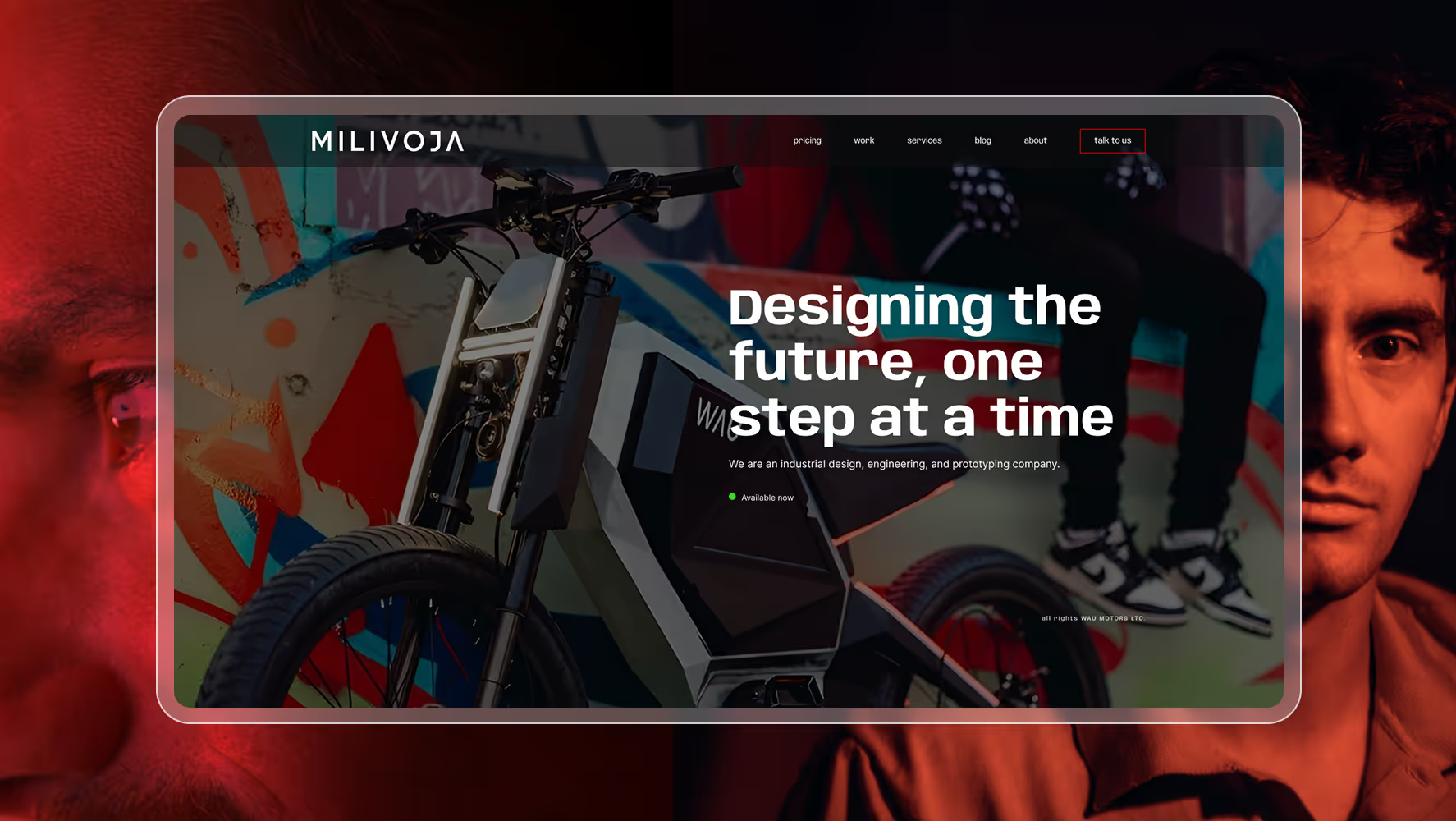
Milivoja
Die Migration von Milivoja WordPress zu Webflow konzentrierte sich auf Leistung, Stabilität und langfristige Wartbarkeit ohne visuelle Änderungen.

Minze
Das Redesign der MINT-Fintech-Webflow-Website konzentrierte sich auf Vertrauen, Konvertierung, Leistung und skalierbare Wachstumsworkflows.
Plan your WordPress to Webflow migration
.svg)
WordPress to Webflow Migration: SEO, Traffic, and Risk Explained
Will I lose traffic if I migrate from WordPress to Webflow?
Why do rankings change after a migration?
What are the biggest risks during a WordPress to Webflow migration?
How can I prevent traffic loss during migration?
Can a migration actually improve SEO and traffic?
How does Broworks approach WordPress to Webflow migration differently?
Enterprise WordPress to Webflow migration for large and complex websites
Enterprise WordPress to Webflow migration for large and complex websites becomes necessary when sites are difficult to scale, maintain, and optimize. We help enterprise teams migrate to Webflow safely while preserving SEO, improving performance, and restructuring content for long-term growth.
Website migration to Webflow without losing SEO or traffic
Website migration to Webflow without losing SEO or traffic is critical for SaaS and enterprise companies that rely on search visibility. We help teams migrate safely while preserving SEO signals, improving performance, and maintaining rankings.
WordPress to Webflow migration agency for SaaS and enterprise websites
Most SaaS and enterprise companies outgrow WordPress as their websites become harder to maintain, slower to update, and difficult to scale. As a WordPress to Webflow migration agency for SaaS and enterprise websites, we help teams migrate safely while improving performance, SEO, and conversions.