Why Design Thinking Still Matters in the AI Era of Website Building

TL; DR
- AI is accelerating website execution while simultaneously encouraging teams to skip the phases of the process where the best thinking happens: user research, problem definition, and structured ideation.
- Design thinking's five-phase framework (Empathize, Define, Ideate, Prototype, Test) provides the decision-making structure that prevents teams from building polished solutions to the wrong problems.
- The most valuable skills in an AI-saturated environment are not generative, they are facilitative: the ability to guide a group toward a clear, aligned, user-grounded decision before any tool is opened.
Why Design Thinking Still Matters in the AI Era of Website Building
The promise of AI is speed. Generate a landing page in minutes. Prototype a homepage before lunch. Ship a whole website in a week. And yet, the companies doing exactly that are increasingly shipping the wrong things, fast.
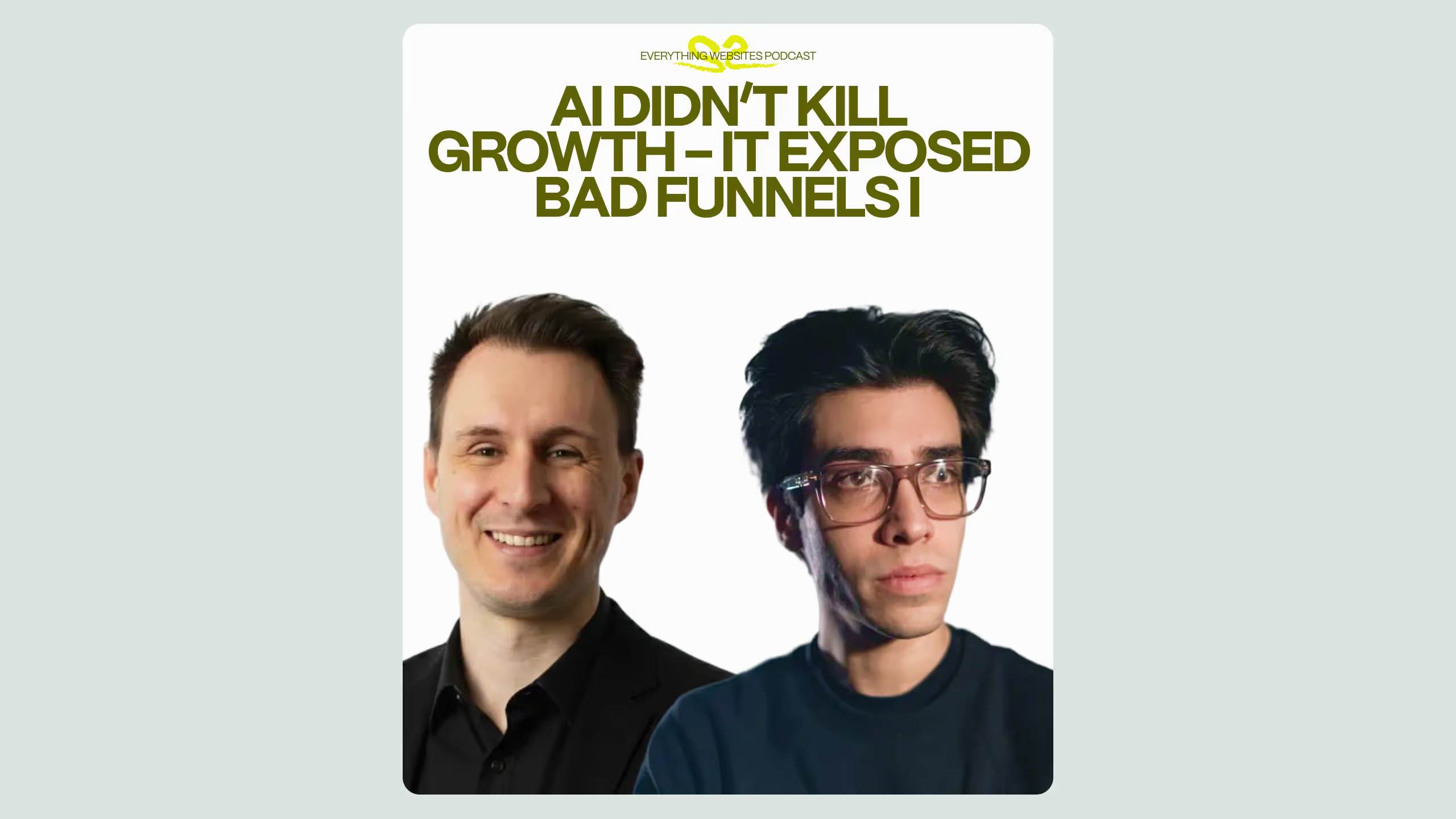
This is the central tension that Rebecca Courtney, one of the world's leading facilitation and design thinking specialists, explored on a recent episode of the Everything Websites podcast. Her argument is straightforward: design thinking is not a productivity slowdown, it is the mechanism that prevents you from building something nobody actually needs.
For marketing directors and CMOs overseeing website rebuilds, product relaunches, or migration projects, this conversation is worth your attention. Not because it is against AI, it is firmly for it, but because it draws a precise line between where AI genuinely accelerates your work and where it quietly undermines it.
What is design thinking in the context of website building? Design thinking is a five-phase human-centered framework (Empathize, Define, Ideate, Prototype, and Test) used to solve problems by deeply understanding the end user before committing to a solution. Applied to website projects, it prevents teams from building based on internal assumptions rather than actual user needs. It is especially valuable before any visual or technical execution begins, and its first two phases (Empathize and Define) are the ones most frequently skipped by teams under time pressure.
The Productivity Illusion AI Creates for Website Teams
Rebecca's sharpest observation in the episode is not about AI being bad, it is about a specific trap she calls the "productivity illusion." Teams using AI tools feel like they are making progress: they are generating designs, spinning up landing pages, drafting copy. But they are not necessarily solving the right problem.
"We're skipping all those parts too quickly," she explains. "The design thinking process is great, it's a great model to slow people's thinking down and make sure that you're getting the best out of the people at each stage."
The parallel she draws is accurate. Just as a supermarket discount makes you spend more than you planned, AI-enabled execution speed makes you build more than you should, before you have confirmed what you are building is actually worth building.
For website teams specifically, this plays out in predictable ways: a redesign that looks polished but does not convert, a navigation structure built around internal org charts rather than user journeys, or a CMS rebuilt without considering how the marketing team actually updates content day to day. These are not AI failures. They are process failures that AI makes it easier to commit.
The Five Phases of Design Thinking (And Why the First Two Are Critical)
Rebecca walks through the full design thinking process as it applies to website projects. According to her, this is the sequence that prevents wasted investment:
- Empathize - Conduct user interviews, empathy mapping exercises, or field observations to understand who is actually landing on the site, what they need, and where they struggle. This phase should not be skipped even under tight budgets: teams without access to real users can run internal role-play interviews, with one team member simulating the user persona.
- Define - Synthesize research into a Point of View statement that articulates the real problem. Then convert it into a "How Might We" question that frames the challenge in a way that opens up possible solutions.
- Ideate - Run structured exercises like the "10 for 10" (ten people, ten minutes, ten ideas each) or Crazy 8s (rapid sketching of eight concepts). Crucially, Rebecca argues this phase must remain AI-free: the unexpected collisions of ideas from people with different backgrounds and expertise are what produce genuinely differentiated solutions.
- Prototype - Create low-fidelity sketches of the top concepts, by hand, before any tool is opened. Rebecca is direct about this: an AI-generated prototype looks polished enough to fool a team into ignoring structural problems. A rough sketch surfaces those problems faster and cheaper.
- Test - Run a concept walkthrough with stakeholders, gather feedback through gallery walks and heat map voting, then iterate. A four-day timeline is realistic for a full website rebuild sprint.
How does design thinking prevent building the wrong website? Design thinking prevents wasted website investment by ensuring teams deeply understand user needs before committing to any solution. The Empathize and Define phases force a team to distinguish between their internal assumptions and actual user behavior. Research from Nielsen Norman Group consistently shows that skipping user research in digital projects results in higher redesign rates and lower conversion performance. The process also creates alignment across teams, ensuring everyone agrees on what the website must accomplish before a single design decision is made.
Where AI Helps and Where It Hurts: A Practical Comparison
What a Practical Design Thinking Sprint Looks Like for a Website Rebuild
For teams who have never run a formal process like this, Rebecca's recommended structure for a website rebuild sprint is achievable without specialized training:
- Day 1: Empathy interviews and empathy mapping (internal role-play is acceptable for budget-constrained teams); define a Point of View statement
- Day 2: Convert to a "How Might We" question; run 10-for-10 ideation and lightning demos (competitive analysis exercise where each participant reviews how others solve the same problem)
- Day 3: Concept creation, each participant sketches three screens showing their version of the website; gallery walk and dot voting
- Day 4: Straw poll to identify the winning concept; walkthrough testing with a small group; document what to iterate before handing off to development
This maps directly to what teams at Broworks run with clients before a Webflow build or WordPress to Webflow migration: a structured discovery phase that clarifies user needs, content priorities, and navigation logic before any design decisions are locked.
For competitive analysis within the sprint, Rebecca references the "Lightning Demos" format from the Google Design Sprint methodology, a structured exercise where participants research how others solve the same challenge, then present the single most transferable idea to the group.
How long does a design thinking sprint take for a website rebuild? A focused design thinking sprint for a website rebuild can be completed in four days. Day one covers user empathy and problem definition, day two handles ideation, day three focuses on concept creation and voting, and day four involves prototype testing and iteration planning. For more complex projects, such as multi-market redesigns or enterprise platform rebuilds, the process can extend to a week or longer. The time investment at the front of a project consistently reduces revision cycles and prevents misaligned execution later.
The Skills That Actually Differentiate Teams Right Now
Rebecca's broader point, one that applies to anyone responsible for a website's performance, is about what cannot be automated. When every team has access to the same AI tools, competitive differentiation shifts to the people operating them.
The skills she identifies as most valuable right now:
- Facilitation - the ability to guide a group through a structured decision-making process, ensure equal participation, and maintain alignment throughout
- Critical thinking - the capacity to question whether the problem being solved is actually the right problem
- Precise questioning - framing prompts, interview questions, and creative briefs with enough specificity that the output is actually useful
This aligns with how Interaction Design Foundation frames the ongoing relevance of design thinking: not as a counter to digital tools, but as the cognitive infrastructure those tools require to produce meaningful output.
For marketing leaders managing website projects, the implication is practical. Before your next redesign, migration, or rebuild, the most valuable investment may not be in a new tool or a faster agency. It may be in four days, a room, and a structured process that forces your team to agree on who you are building for, and what they actually need, before anyone opens a design file.
You can explore how Broworks approaches LLM-readable content architecture and website strategy as part of a broader site system built for both users and AI search engines.
.svg)
.svg)