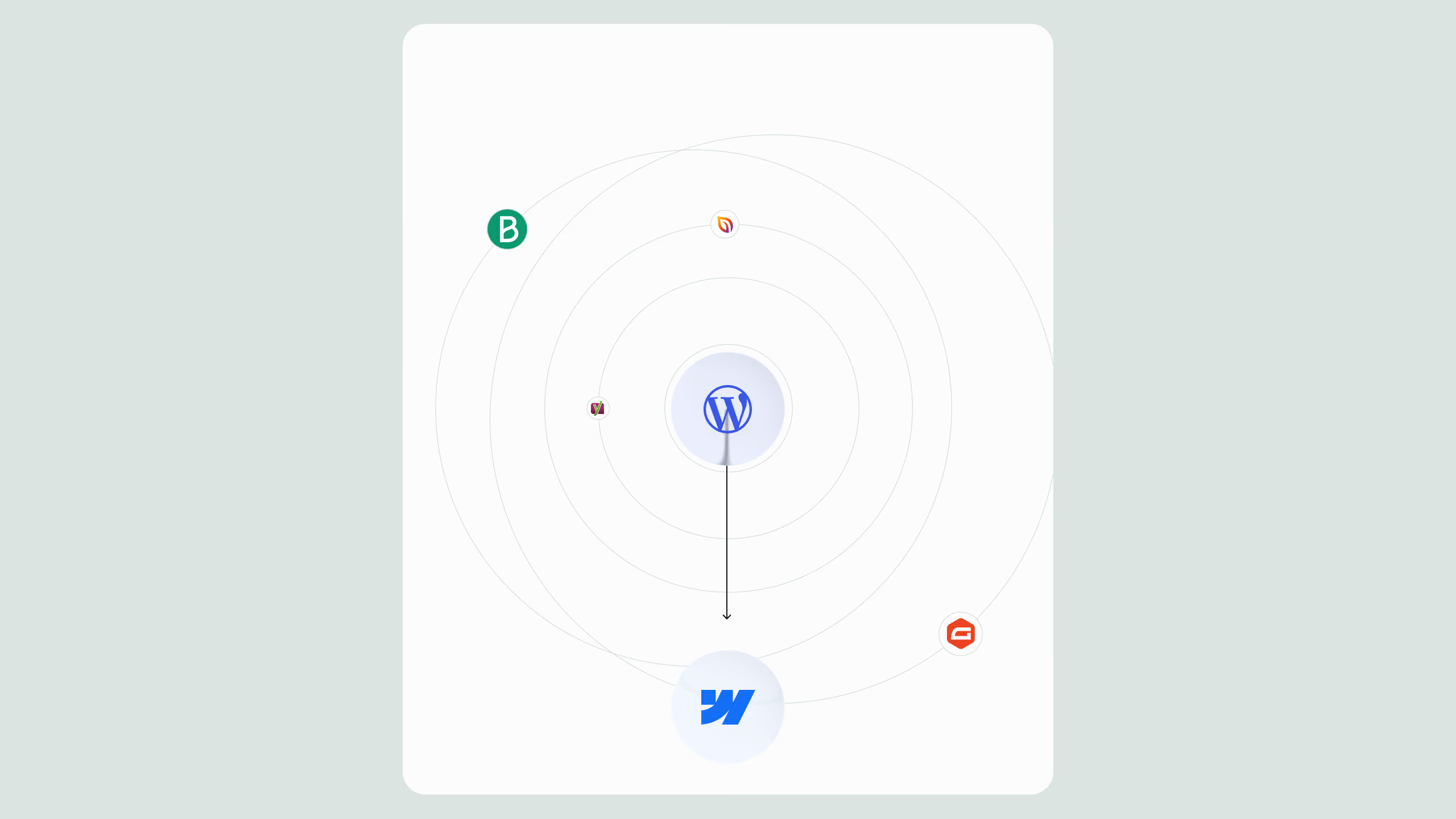
Should you use Webflow?


TL;DR
Webflow is a powerful no-code website builder that allows designers, marketers, and developers to create high-performance, scalable websites, without needing a traditional engineering team. But “no-code” doesn’t mean “no knowledge.” To build a successful website in 2025, you still need to understand the basics of HTML, SEO, performance, accessibility, and CMS structure.This article explores what is Webflow and who should be using it, what its limitations are, and why it’s become the go-to choice for modern, marketing-led businesses.
What Is Webflow?
Webflow is a no-code visual development platform launched in 2013 that allows users to design, build, and launch responsive websites without writing traditional code.
Behind the scenes, Webflow still generates clean, semantic HTML, CSS, and JavaScript, giving it a major advantage over traditional drag-and-drop builders like Wix or Squarespace.
Its strength lies in giving non-developers access to a true front-end development environment, while still offering flexibility for professionals who know code.
This balance is what makes Webflow so popular among designers, marketers, and agencies who want to build fast, modern websites without depending on developers for every small update.
Key advantages of Webflow
- Speed: Build landing pages or new sections in hours, not weeks.
- Scalability: Create reusable CMS structures and components for large sites.
- Flexibility: No restrictive themes, complete control over layout, animations, and content.
- Visual CMS: Edit directly on the live page without touching complex dashboards.
- Hosting: Webflow’s global CDN delivers exceptional site speed and reliability.
But the real story behind what is Webflow and who should be using it goes deeper than a list of features. To fully unlock its power, you need to understand both its potential and its limits.
Webflow by the Numbers
Even though Webflow is becoming a favorite among agencies and startups, it still represents a smaller share of the web compared to older platforms.
Source: BuiltWith / W3Techs, 2025
Webflow is growing rapidly among B2B SaaS and innovation-led enterprises thanks to its performance, scalability, and HubSpot/CRM integrations, features WordPress often struggles to deliver without heavy plugin maintenance.
Who Should Be Using Webflow?
The short answer: any team that values speed, design control, and scalability, but also understands digital performance and SEO.
Perfect for:
- Marketing teams at scaling B2B SaaS companies (needing fast iteration and CRO testing)
- Design-driven agencies (who want pixel-perfect control)
- Tech enterprises (who need governance, localization, and performance at scale)
- Founder-led businesses (who want autonomy post-launch)
Think twice if:
- You’re building a complex web app with advanced backend logic (consider pairing Webflow with Xano, Memberstack, or Wized).
- You have no understanding of SEO or analytics, since that limits long-term growth.
- You expect “no-code” to replace real UX, CRO, or technical strategy.
Webflow gives your team autonomy, but autonomy still needs direction.
The “No-Code” Myth: Why Webflow Still Requires Skills
Calling Webflow “no-code” is only half true. To create a conversion-optimized, SEO-ready, and scalable site, you’ll still need to understand the foundations of web development.
Here’s what you need to know to make Webflow work for you:
- Basic HTML & CSS structure – to maintain semantic hierarchy and accessibility.
- SEO fundamentals – titles, meta descriptions, structured data, and site architecture.
- Performance optimization – image compression, lazy loading, and clean animation logic.
- UX/UI design principles – responsive layouts, typography, and user journey planning.
- CMS logic – using collections, fields, and references efficiently.
- Conversion strategy – linking design to measurable business outcomes.
When teams overlook these, they end up with slow, underperforming websites, beautiful, but invisible on Google.
Webflow Limitations (and How to Solve Them)
Every platform has limits. The key is knowing where Webflow ends and smart code or integrations begin.
Why Choose Webflow to Build Your Website
Now that you understand what is Webflow and who should be using it, let’s break down why teams migrate from WordPress or other builders.
- Cloud-Based Hosting
Webflow’s Amazon + Fastly-powered CDN ensures sites load fast and securely, no manual server setup or plugin updates.
- Seamless Admin Panel
Webflow’s Editor lets marketing teams edit text, images, or CMS content directly on-page, without breaking layout.
- Award-Winning Design Freedom
Webflow powers thousands of Awwwards-winning websites, proving its visual power goes beyond templates. Check out Made in Webflow for inspiration.
- Faster Launch Cycles
Marketing teams can ship new landing pages in days. That speed translates to shorter campaign turnaround and higher ROI.
- HubSpot Integration
With Webflow + HubSpot, your marketing and CRM finally speak the same language, no dev bottlenecks, just leads flowing into pipelines.
- Active Community and Learning
From Webflow University to Finsweet and Relume, there’s a massive community sharing free clones, videos, and frameworks.
The Future of Webflow
Webflow continues evolving toward Webflow Enterprise and Webflow Apps, bridging the gap between no-code and full-code. Features like user accounts, real-time collaboration, and an open API make it viable even for larger organizations.
For marketing and growth teams, this means faster experimentation, stronger governance, and scalable performance, without sacrificing creativity.
Final Thoughts
Webflow is not just another website builder, it’s a complete ecosystem for fast, scalable, and high-performing websites.
But understanding what is Webflow and who should be using it means recognizing that “no-code” is a foundation, not a finish line.
If your goal is to build a conversion-focused, SEO-optimized, and brand-consistent website, Webflow delivers unmatched control and flexibility, especially when combined with the right strategy and integrations.
.svg)
.svg)